Navigating the world of cloud gaming brings exciting possibilities for convenience and accessibility, but a common question arises for many US gamers: does split screen work on cloud gaming? This comprehensive guide explores the current landscape of local multiplayer experiences on popular cloud platforms like Xbox Game Pass Ultimate, GeForce NOW, and PlayStation Plus Premium. We delve into the technical hurdles, game compatibility, and practical tips for those looking to share a screen with friends or family in a streamed environment. For busy adults balancing work and life, the appeal of social gaming without a heavy hardware investment is huge, but ensuring that classic couch co-op experience translates effectively is crucial. Discover what works, what doesnt, and how to optimize your setup to enjoy shared gaming moments in the cloud.
Does split screen actually work on cloud gaming platforms?
Yes, split screen can work on cloud gaming platforms, but its functionality is primarily determined by whether the specific game being streamed inherently supports local split-screen co-op or multiplayer. The cloud service itself streams the game's output, and if that output includes a split-screen view generated by the game, then it will be displayed on your local device. You connect multiple controllers to your local device, and the cloud service passes those inputs to the game running on the remote server.
Which cloud gaming services are best for trying split screen?
Xbox Game Pass Ultimate (Xbox Cloud Gaming) and NVIDIA GeForce NOW are generally the most reliable choices for attempting split-screen experiences. This is because many games available on these platforms, especially console-native titles on Xbox or PC games from Steam/Epic on GeForce NOW, already have robust local split-screen modes. PlayStation Plus Premium also supports it for some titles, but the experience can vary depending on the game's generation and streaming performance.
What kind of internet speed do I need for smooth split-screen cloud gaming?
For a smooth split-screen cloud gaming experience, you'll ideally need a strong and stable internet connection, preferably 50-100 Mbps or higher. While single-player cloud gaming might work on lower speeds, rendering and streaming two distinct perspectives within a single video feed places a higher demand on bandwidth and latency, making a faster, more reliable connection crucial to prevent lag and visual artifacts.
Do I need special equipment to play split screen on cloud gaming?
You typically don't need special cloud gaming-specific equipment, but you will need standard components: a compatible streaming device (PC, smart TV, tablet), a stable high-speed internet connection, and two or more compatible controllers (e.g., Xbox, PlayStation, or generic Bluetooth controllers) connected to your local streaming device. A wired Ethernet connection for your device is highly recommended for optimal performance.
Why is split screen on cloud gaming sometimes laggy or blurry?
Split screen on cloud gaming can suffer from lag or blurriness due to increased demands on both the cloud server and your internet connection. The server has to render and encode two perspectives into one stream, which is more intensive. Simultaneously, your internet needs to handle a more complex, higher-bandwidth stream, and any latency in transmitting inputs or receiving video can lead to noticeable delays or compression artifacts.
Are there any games known to work well with split screen on cloud platforms?
Yes, certain games are known to work relatively well with split screen on cloud platforms, often those with less graphically intensive art styles or well-optimized local co-op. Examples include platformers like Cuphead, party games like Overcooked 2, fighting games such as Mortal Kombat 11, or some adventure titles like Borderlands 3 on Xbox Cloud Gaming. Always verify a game's local split-screen support and test your connection beforehand.
Will future cloud gaming technology improve split-screen experiences?
Absolutely. Future advancements in cloud gaming technology are expected to significantly enhance split-screen experiences. This includes more powerful server hardware, more efficient video encoding techniques, reduced network latency through edge computing, and potentially game optimizations specifically for cloud streaming. These developments aim to make multi-player cloud gaming smoother, more responsive, and visually clearer.
Remember those days huddled on a couch, controllers in hand, sharing a screen with a friend or family member? That classic split-screen fun is a core memory for many of us, especially those balancing busy lives with gaming. With over 87 percent of US gamers regularly diving into virtual worlds and many dedicating 10 or more hours a week, the desire for social play remains strong. Now, with cloud gaming platforms like Xbox Game Pass Ultimate, GeForce NOW, and PlayStation Plus Premium making gaming more accessible than ever, a new question arises for busy gamers: does split screen work on cloud gaming? It is a common pain point for those seeking convenience without sacrificing those cherished shared moments.
As adults juggling jobs, families, and everyday responsibilities, gaming offers a vital escape, a chance to unwind, build skills, or simply have fun with friends. We value relaxation and social interaction, and split-screen co-op perfectly fits that bill. However, traditional gaming setups can involve expensive hardware upgrades and complicated installations. Cloud gaming promises to alleviate some of these burdens, but how does it handle the unique demands of local multiplayer? This guide will dive deep into how split screen functions, or sometimes doesn't, within the cloud gaming ecosystem, offering practical solutions and insights for optimizing your social play and ensuring you get the most value for your gaming dollar.
What are the primary technical challenges for split screen on cloud gaming?
Getting split screen to work seamlessly on cloud gaming platforms presents several significant technical hurdles. Fundamentally, cloud gaming involves streaming a single video feed from a remote server to your device. For split screen, the server would ideally need to render two distinct views simultaneously and then encode them into a single stream, doubling the processing and encoding load. This increased demand on the server can lead to higher latency and reduced visual quality for both players.
Another challenge is input management. Cloud gaming relies on precise input transmission to the server. With two players sharing a screen, each with their own controller, the system must efficiently handle two sets of input data, transmit them to the server, and then process the combined actions without introducing noticeable lag. Network bandwidth also plays a crucial role; streaming a single high-definition video feed already requires a stable connection, and trying to essentially stream a more complex combined feed can quickly strain typical home internet connections, leading to buffering or choppy gameplay.
Which cloud gaming services currently offer split screen compatibility?
The compatibility of split screen with cloud gaming services is not uniform and often depends more on the individual game's native support than the platform itself. Generally, cloud services do not inherently add split-screen functionality to games that lack it. Instead, they stream the game as it is designed.
Xbox Game Pass Ultimate (Xbox Cloud Gaming): If a game on Xbox Game Pass supports local split-screen co-op on a console, it typically works the same way when streamed via Xbox Cloud Gaming. You connect two controllers to your local device (PC, tablet, smart TV) and the game interprets them as local inputs. Popular titles like Halo: The Master Chief Collection or Gears 5 can offer this experience.
NVIDIA GeForce NOW: GeForce NOW streams your PC games from various stores like Steam or Epic Games Store. If the PC version of a game has local split-screen support, you can usually play it that way through GeForce NOW. Similar to Xbox, you connect multiple controllers to your local machine. Think of games like Rocket League or Cuphead which are often played locally.
PlayStation Plus Premium (Cloud Streaming): PlayStation's cloud streaming primarily focuses on PS3, PS4, and some PS5 titles. If the original game supported split screen, it might work when streamed. However, the experience can be more variable, especially with older titles, and requires robust internet. Connecting multiple controllers to your local device is key.
Amazon Luna and Google Stadia (defunct): Amazon Luna, like other services, relies on native game support. Google Stadia, before its closure, did support local multiplayer for games designed with it, often with minimal issues. This highlights that while technically challenging, it is achievable.
The key takeaway is that you need to verify if the specific game you want to play has local split-screen support, and then ensure your local streaming device can handle multiple controller inputs. It is less about the cloud service *enabling* split screen and more about it *allowing* the game's existing functionality to pass through.
Are there specific cloud-ready games that excel with split-screen functionality?
For US gamers seeking that classic couch co-op feel on cloud platforms, certain games stand out due to their robust native split-screen implementation and relatively forgiving graphical demands. These titles tend to handle the streaming overhead better, making for a more enjoyable shared experience. Always check the game's specific features before diving in.
Platformers and Indie Titles: Games like Cuphead, Overcooked 2, and various LEGO titles are fantastic for split-screen. Their art styles often lend themselves well to streaming without sacrificing too much visual fidelity, and their gameplay mechanics are designed for cooperative play.
Fighting Games: Many fighting games, such as Tekken 7 or Mortal Kombat 11, offer excellent local versus modes that translate well to cloud gaming split-screen. The action is usually contained within a single frame, reducing the complexity of rendering separate environments for each player.
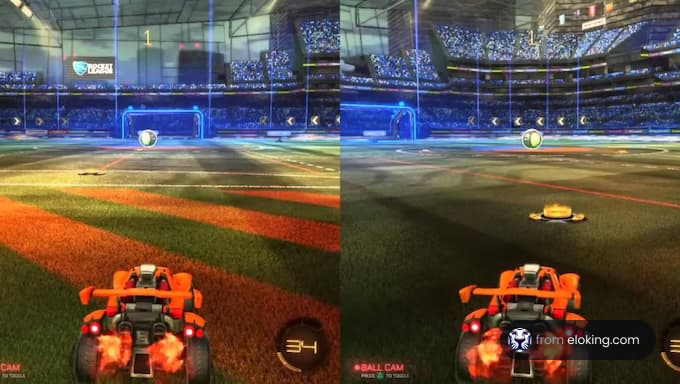
Racing Games: Titles like Rocket League or older Forza games (if available on cloud services with local split-screen) can also provide decent experiences. The dynamic nature of racing can sometimes introduce more latency sensitivity, but many gamers find it perfectly playable for casual fun.
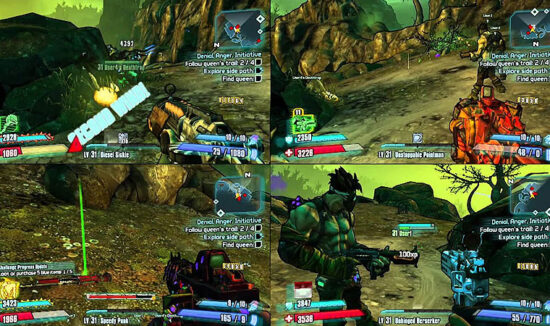
Adventure Games: Borderlands 3 on Xbox Cloud Gaming, for example, features strong split-screen support, allowing two players to explore its world together. Performance can vary based on your connection, but the option is there and often quite playable.
The common thread among these games is often that they are not hyper-realistic, graphically intensive open-world titles, which would stretch the limits of streaming two simultaneous perspectives. Prioritizing games known for their strong local co-op on traditional consoles or PCs is your best bet when exploring cloud gaming for split screen.
How can I optimize my internet connection and local setup for the best cloud gaming split-screen experience?
A smooth cloud gaming split-screen experience hinges heavily on your internet connection and local hardware. With US gamers spending significant time online, optimizing your setup is key to avoiding frustration and maximizing fun, especially when sharing the screen.
Wired Connection is King: For your streaming device (PC, laptop, smart TV), a direct Ethernet connection to your router is far superior to Wi-Fi. It minimizes latency and ensures a stable, high-bandwidth connection, which is critical when essentially streaming two views simultaneously.
High-Speed Internet: While cloud gaming can work on 20-30 Mbps, for split screen, aim for 50-100 Mbps or higher. The more bandwidth, the better, as it gives the service room to handle the increased data load without degrading quality or introducing lag.
5GHz Wi-Fi (if wireless is a must): If a wired connection isn't feasible, ensure your device is connected to a 5GHz Wi-Fi network. This band offers faster speeds and less interference than 2.4GHz, especially in crowded urban environments common for many Gen Z and Millennial gamers.
Close Proximity to Router: The closer your device is to your Wi-Fi router, the stronger and more stable your signal will be. Walls and other obstructions can significantly degrade performance.
Minimize Network Traffic: Before your gaming session, pause large downloads, stop video streaming on other devices, and ask family members to limit their internet usage. Every bit of bandwidth saved contributes to a smoother gaming experience.
Powerful Local Device: While cloud gaming shifts processing to the server, your local device still needs to decode the video stream efficiently. A newer PC, a powerful streaming box, or a modern smart TV with good processing capabilities will offer a better experience. Ensure your device's drivers are up to date.
Quality Controllers: Use reliable, low-latency controllers. Wired controllers can sometimes offer a slight edge over wireless in terms of input lag, though modern wireless controllers (like Xbox or PlayStation controllers) are generally excellent.
Disable VPNs: Virtual Private Networks can add significant latency by routing your traffic through additional servers. Disable them when cloud gaming for optimal performance.
Is there a difference between local split screen and cloud-streamed split screen in terms of experience?
Absolutely, there is a notable difference between playing split screen locally on a console or PC and playing it through a cloud gaming service. Understanding these distinctions helps manage expectations and appreciate the trade-offs involved.
Local Split Screen: When you play split screen on a local console or PC, the game is running directly on your hardware. This means:
Zero Input Latency: Inputs from your controllers are registered instantly by the game, leading to a highly responsive experience.
Consistent Graphics: The game renders graphics directly to your screen, offering consistent visual quality and frame rates determined solely by your hardware's capabilities.
No Internet Dependency: Your internet connection is irrelevant for the gameplay itself (though updates and online features will need it).
Dedicated Processing: Your local machine dedicates its processing power to rendering those two simultaneous views, often without needing to compromise too much unless the hardware is truly underpowered.
Cloud-Streamed Split Screen: When split screen is done via cloud gaming, the game is running on a remote server, and a video feed is streamed to you. This introduces:
Input Latency: Your controller inputs must travel to the cloud server, be processed, and then the resulting video frames must travel back to your screen. This round trip introduces a delay, which, even if slight, can impact competitive or reaction-based gameplay. With two players, this can sometimes feel more pronounced.
Variable Graphics: The visual quality and frame rate are dependent on your internet connection and the cloud service's encoding capabilities. A fluctuating connection can lead to compression artifacts, blurry images, or dropped frames, especially when streaming a more complex split-screen feed.
Internet Dependency: A stable, high-bandwidth, low-latency internet connection is paramount. Any hiccups in your network can directly impact the smoothness of your game.
Server Load: The cloud server is doing the heavy lifting for two perspectives, which can be more demanding than a single player stream, potentially leading to slightly lower overall performance compared to a single-player cloud session.
While cloud-streamed split screen offers incredible convenience by removing the need for powerful local hardware, it inherently trades some of the responsiveness and consistent visual quality that dedicated local hardware provides. For casual or turn-based games, the difference might be negligible, but for fast-paced action, local will almost always feel more immediate.
What does the future hold for split screen on cloud gaming platforms?
The future of split screen on cloud gaming platforms is undoubtedly bright, driven by continuous advancements in technology and a clear demand from gamers, particularly those balancing life and leisure. As of this month's trends, social gaming continues its upward trajectory, with more players seeking shared experiences, making robust split-screen cloud solutions a key area for development.
We can anticipate several key developments:
Improved Server Hardware: Cloud providers are constantly upgrading their server infrastructure with more powerful GPUs and CPUs. This increased processing power will better handle the demands of rendering multiple viewpoints simultaneously without compromising performance or visual fidelity.
More Efficient Encoding and Compression: Advances in video encoding algorithms (like AV1) will allow for higher quality streams at lower bandwidths. This means cloud services will be able to deliver two distinct high-resolution video feeds within a single, optimized stream more effectively, reducing the strain on home internet connections.
Advanced Input Management: Sophisticated input prediction and latency reduction techniques will continue to evolve, making the delay between controller input and on-screen action almost imperceptible, even for two players. This directly addresses one of the biggest current pain points.
Dedicated Split-Screen Modes for Cloud: Game developers might start optimizing games specifically for cloud streaming, including dedicated split-screen modes that are designed to be streamed efficiently. This could involve dynamic resolution scaling or other optimizations when two players are active.
Edge Computing: The deployment of more local 'edge' servers closer to users will drastically reduce network latency, making real-time, shared experiences much smoother. This move towards distributed cloud infrastructure is a major long-term goal for many providers.
Platform Integration: Expect deeper integration of social features and easier ways to invite local players directly from cloud gaming interfaces, streamlining the process of setting up a shared session.
For US gamers, who value both convenience and social connection, these advancements mean that the dream of seamless, high-quality split-screen experiences on any device, anywhere, is steadily becoming a reality. The appeal of sharing a game with a loved one without needing a dedicated high-end console or PC will only grow, solidifying cloud gaming's place in the modern gaming landscape.
Tips for ensuring a smooth and enjoyable cloud gaming split-screen session.
Even with the current technical limitations, you can still have a great time playing split screen on cloud gaming. Here are some actionable tips for busy gamers looking to make the most of their social cloud play, offering the relaxation and fun you deserve after a long day.
Choose the Right Games: Stick to games known for excellent local co-op and less demanding graphics. Platformers, indie games, or fighting games are often safer bets than graphically intense open-world titles. Check online reviews or forums for cloud performance specifics.
Test Your Connection First: Before inviting friends over, do a solo cloud gaming session with the chosen game to gauge your connection's stability and performance. Use your cloud service's built-in network test if available.
Prioritize Wired Connections: If possible, connect your streaming device to your router via an Ethernet cable. This is the single most impactful step you can take to reduce latency and ensure stable bandwidth.
Minimize Background Apps: Close any unnecessary applications or browser tabs on your streaming device. This frees up local resources and prevents them from competing with the game's video decoding.
Update Everything: Ensure your operating system, browser (if playing in one), and graphics drivers are all up to date. Outdated software can sometimes introduce unexpected performance issues.
Use Quality Controllers: Invest in or borrow reliable, low-latency controllers. Generic or cheap controllers can sometimes add input lag, compounding the streaming latency.
Adjust In-Game Settings (if available): If the game allows, try lowering graphics settings or resolution slightly. While the game runs on the server, a lower resolution stream is easier for your internet to handle, potentially improving responsiveness.
Play During Off-Peak Hours: Your internet service provider's network might be less congested during off-peak times (e.g., late night or early morning), potentially leading to a smoother connection.
Manage Expectations: Cloud gaming is still evolving. While impressive, it may not perfectly replicate the zero-latency experience of local hardware. Go into your split-screen session ready to have fun, not nitpick every frame.
Can mobile devices support split screen on cloud gaming?
Mobile devices can indeed support split screen on cloud gaming, but with some practical considerations. The popularity of mobile gaming among US adults, with many relying on phones for quick gaming bursts, makes this an important area. You connect multiple Bluetooth controllers to your phone or tablet, and the cloud gaming app streams the game as usual. If the game itself supports local split screen, your mobile device acts as the display for both players. However, the experience comes with trade-offs.
First, the screen real estate on a phone is very limited, making traditional split screen (dividing the screen into two smaller sections) quite cramped and difficult to see details. Tablets offer a better experience due to their larger displays. Second, mobile device processors need to efficiently decode the streamed video, and doing so for a potentially more complex split-screen feed can be demanding, impacting battery life and potentially introducing some stutter if the device isn't powerful. Finally, the internet connection is critical; mobile data networks can be less stable than home Wi-Fi, leading to more variable performance. For optimal mobile split screen, use a tablet, ensure a strong 5GHz Wi-Fi connection, and choose games with clear, less detailed interfaces.
FAQ Section: Quick Answers to Common Cloud Gaming Split-Screen Questions
Here are some rapid-fire answers to your most pressing questions about split screen and cloud gaming, designed for quick insights.
Is input lag worse for split screen on cloud gaming?
Input lag can feel more pronounced for split screen on cloud gaming because both players' inputs must travel to the remote server and back, and the server is also working harder to render two perspectives. Optimizing your internet connection is crucial to minimize this.
Do I need multiple cloud gaming subscriptions for split screen?
No, you generally only need one cloud gaming subscription (e.g., one Xbox Game Pass Ultimate account). The cloud service streams one instance of the game, and your local device handles the multiple controller inputs for the split-screen session.
Can I use any two controllers for cloud gaming split screen?
Most standard Bluetooth controllers (Xbox Wireless Controller, PlayStation DualShock/DualSense) are compatible. You connect both to your local streaming device, which then sends the combined inputs to the cloud server. Always check your specific device's compatibility.
Will my internet bill increase playing split screen on cloud gaming?
Playing split screen on cloud gaming will likely consume more data than single-player cloud gaming because it often involves streaming a more complex or higher-bandwidth video feed. If you have data caps, it could contribute to reaching them faster, but it doesn't directly increase the bill unless you exceed your plan.
Why isn't every split screen game available on cloud gaming?
Game availability on cloud platforms depends on licensing agreements and publisher decisions. Even if a game supports local split screen, it must first be offered on the specific cloud service to be playable, regardless of its split-screen features.
Does 5G help with cloud gaming split screen performance?
Yes, 5G can significantly improve cloud gaming split-screen performance, especially when on the go. Its high bandwidth and lower latency compared to older mobile networks make it much more suitable for streaming demanding content like split-screen games, though consistency can still vary.
In conclusion, the question of 'does split screen work on cloud gaming' has a nuanced answer: yes, but with important considerations. While not always as seamless as traditional local play, cloud gaming offers a viable and increasingly refined option for sharing gaming moments with friends and family. For the busy US gamer, balancing life's demands with the desire for fun and social connection, cloud split screen represents a valuable pathway to relaxation and shared experiences without the hefty hardware investment.
What's your biggest gaming challenge when trying to play with friends? Comment below!
Split screen on cloud gaming faces technical hurdles due to streaming multiple video feeds and input latency. Some cloud services and games offer limited split screen support, often relying on the game's native implementation. Optimizing internet connection and using powerful local devices can improve performance for shared cloud gaming. The future of cloud gaming split screen looks promising with advancements in technology.
35


15 Best Split Screen Games 2026 Top Couch Multiplayer Picks Best Split Screen Games . How To Play Split Screen Games On Two Monitors 2025 Step By Step . How To Play Fortnite On Split Screen Mode PS4 PS5 YouTube . 8 Best Large Screen Monitors For Split Screen Multiplayer Gaming March Best Large Screen Monitors For Split Screen Multiplayer Gaming 1024x559 . What Is Split Screen In Gaming G2A News



How To Play COD Black Ops 6 Split Screen On Xbox Series X S YouTube . How To Do Split Screen On Ps4 Fortnite 2025 Only Way YouTube . Can You Play Split Screen On Fortnite 2026 Guide Image 2 116.webp. How To Fix Split Screen On Fortnite At Quentin Burton Blog . Split Screen PC Games To Play With Friends On One Computer 1920xt1080 S1000

21 Best Split Screen Games On Xbox To Enjoy Together In 2026 Best Split Screen Games Xbox 1 . How To Play Creative Fortnite Split Screen . How To Do Split Screen In Fortnite The Complete Guide 56b62beb 57a7 4b2a A892. Best Split Screen Games On Xbox 360 . How To Split Screen On Windows10 In 2024 Multi Tasking On Windows10


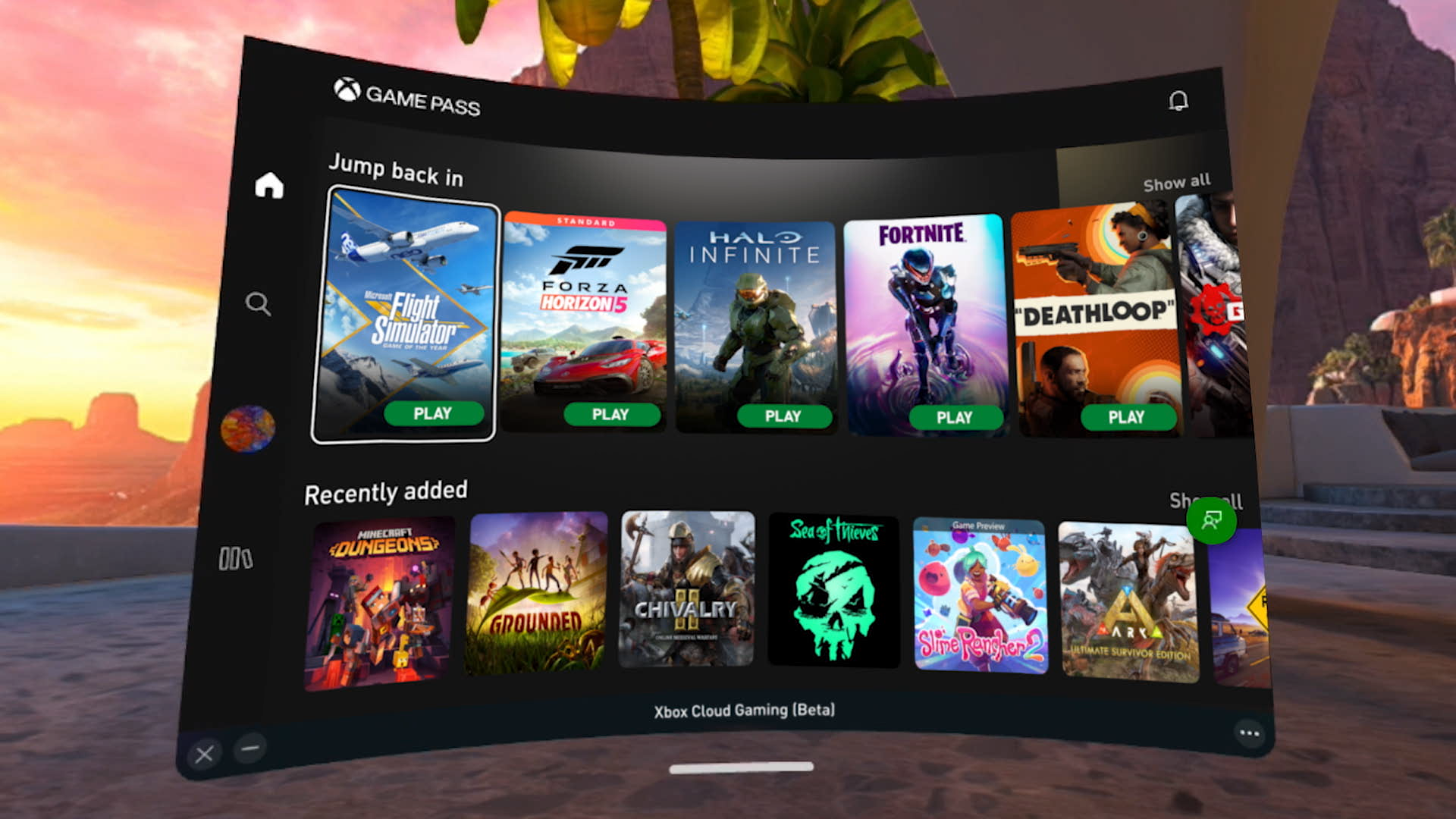
PLAY ANY ONLINE GAME In Split Screen On ONE PC YouTube . How To Do Split Screen On Google Chrome 2025 YouTube . Xbox Cloud Gaming Bald Neue Aufl Sungen Und Bessere Qualit T Xbox Fse.webp. How To Do Split Screen On Fortnite Xbox Series X S YouTube . Xbox Cloud Gaming Comes To Meta Quest Gameranx Xbox Cloud Gaming
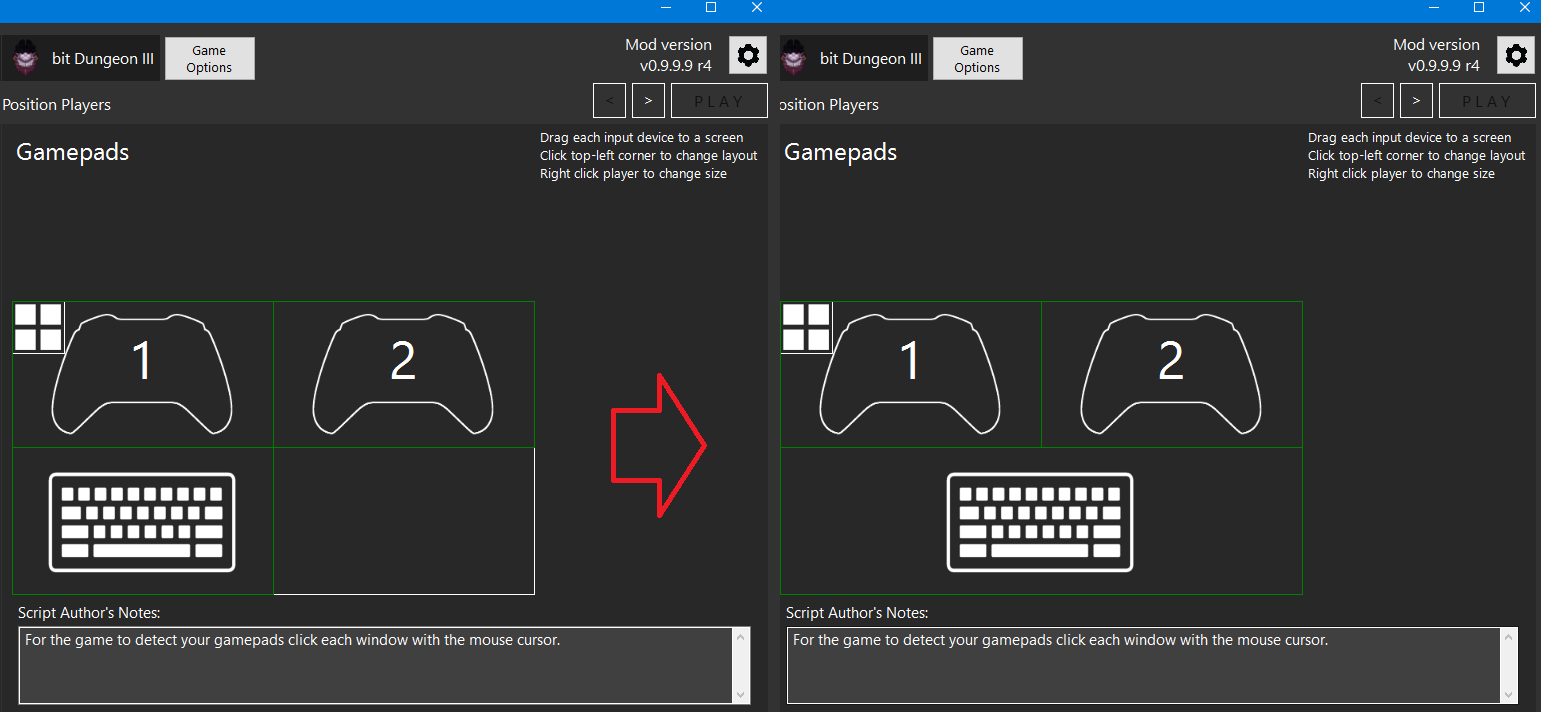
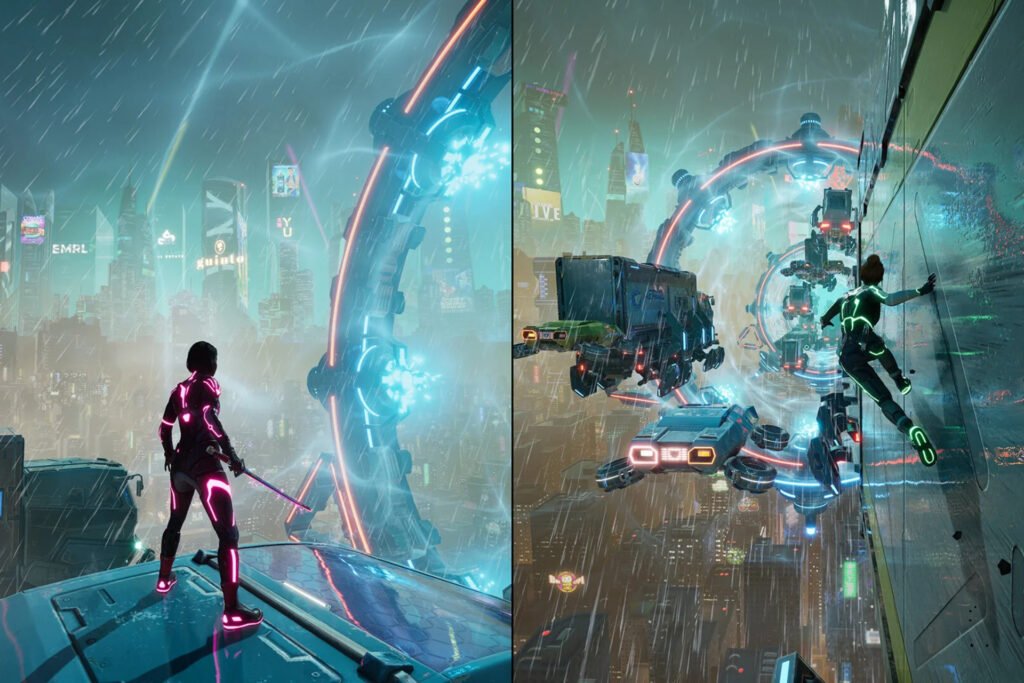

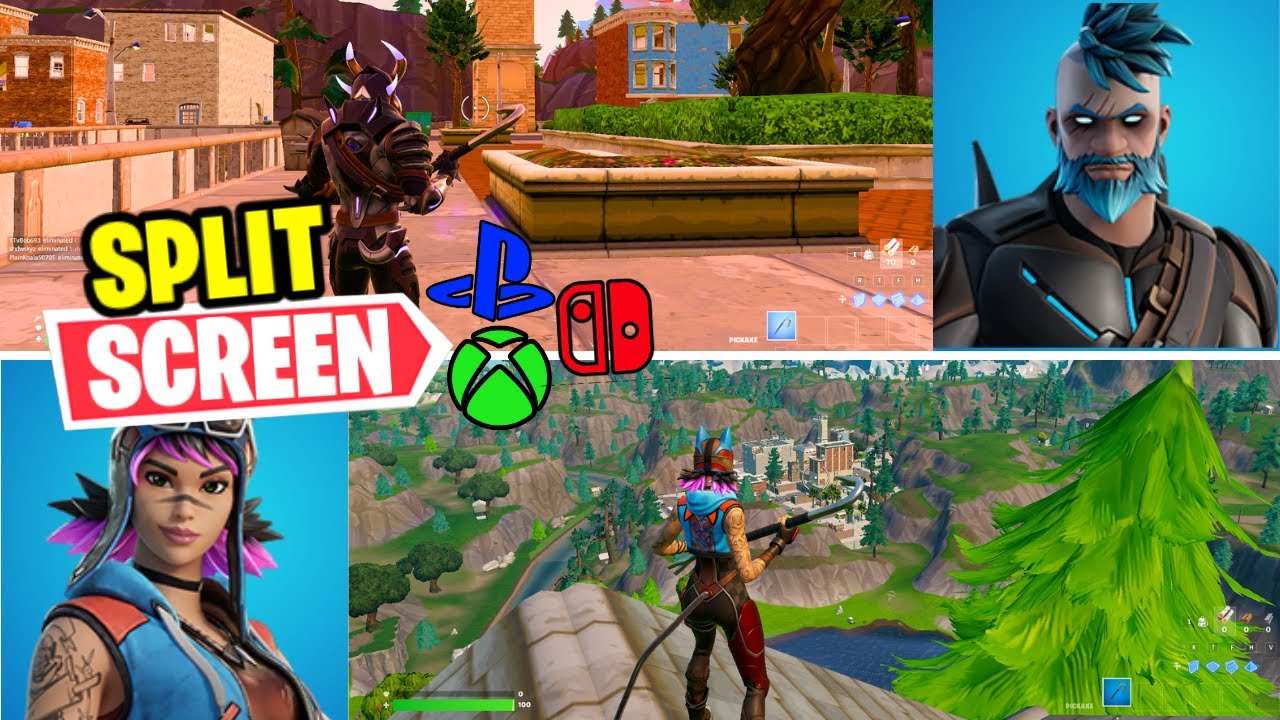
Steam Community Guide How To Play Local Split Screen Multiplayer. 55 Best Split Screen Games In PC Alphabet Order Local Offline YouTube . The 8 Best Split Screen Co Op Games To Play On Consoles In 2026 Were Tired.sf 1024x683 . Can You Use An Xbox One With Two TVs For Split Screen Gaming YouTube . HOW TO PLAY SPLIT SCREEN IN FORTNITE OG PS5 PC Xbox Switch YouTube


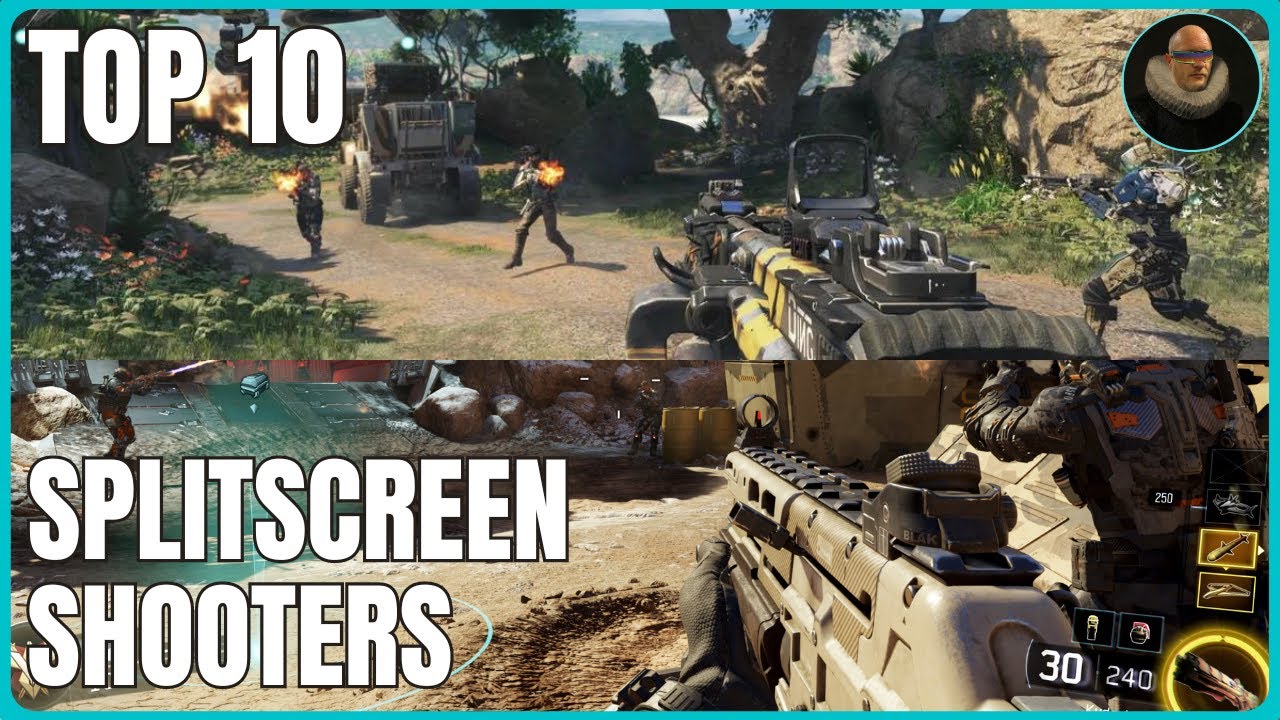
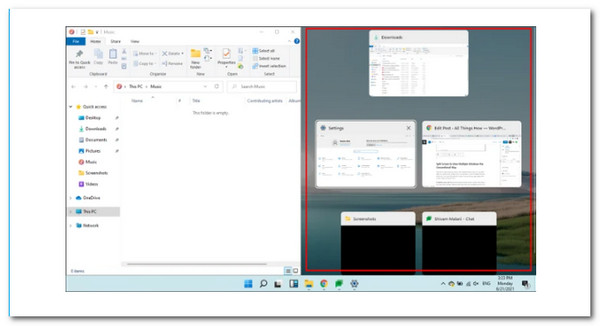
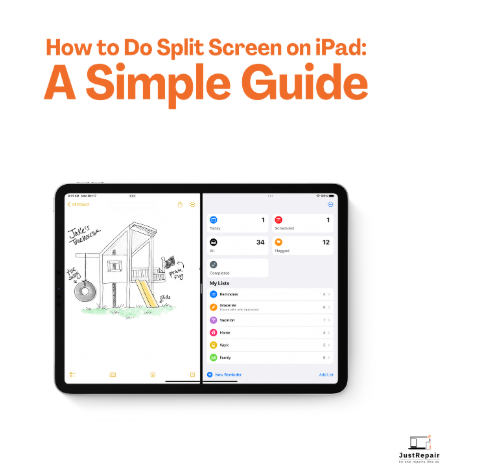
Digital Foundry Says Halo Infinite Split Screen Is Excellent 343 Large . Samsung S 500Hz Odyssey G6 OLED Joins Stacked 2025 Gaming Monitor . Top 10 Local Co Op Splitscreen Shooter Campaigns YouTube . How To Do Split Screen To Multiple Sections For Windows 10 11 Split Screen Windows 11 App To Side . How To Connect Your IPad To A Laptop Screen A Guide How To Do Split Screen On IPad A Simple Guide 1732304995

How To Do Split Screen In Fortnite The Complete Guide D8858364 1957 48ba 8685 Webp.webp. 15 Best Split Screen Games 2026 Top Couch Multiplayer Picks Borderlands The Handsome Collection Split Screen 550x326 . How To Use Split Screen On A Mac Fossbytes Split Screen Mac 2 . How Does Split Screen Work In Rocket League Eloking Rocket League Gameplay Screenshot . How To Play Split Screen On Fortnite Nintendo Switch 2024 YouTube