Navigating the vast world of PC gaming keyboard and mouse setups can feel overwhelming, especially for busy gamers who juggle work, family, and a desire to unwind with their favorite titles. This comprehensive guide cuts through the noise, offering practical, actionable advice on choosing, optimizing, and maintaining your essential PC gaming peripherals. We understand you value relaxation, fun, and skill-building without getting lost in hype. Discover how to identify the best keyboard and mouse for your playstyle and budget, troubleshoot common issues like input lag or ergonomic discomfort, and maximize your performance. Learn to balance top-tier gear with smart spending, ensuring every precious gaming hour is enhanced. We address real pain points from setup struggles to finding the perfect balance between high-end features and tangible in-game benefits, empowering you to game smarter not harder. Stay current with trends in wireless tech, mechanical switches, and sensor precision, all while prioritizing value for money and a comfortable, enjoyable experience that fits seamlessly into your life.
Q: How critical is a high polling rate for competitive PC gaming keyboards and mice?
A: A high polling rate, typically 1000Hz, is extremely critical for competitive PC gaming keyboards and mice as it dictates how often your peripherals report their position and status to your computer. At 1000Hz, your devices communicate 1000 times per second, resulting in a 1-millisecond response time. This ensures that every subtle movement of your mouse or press of a key is registered almost instantly, minimizing input lag. For fast-paced games like competitive shooters or fighting games, this near-instantaneous feedback is essential for precise aiming and quick reactions, directly impacting your ability to perform at your best. Without it, you might experience slight delays that can cost you a crucial in-game moment.
Q: Why are mechanical keyboards generally preferred over membrane keyboards for serious PC gaming?
A: Mechanical keyboards are generally preferred for serious PC gaming due to their superior tactile feedback, faster actuation, and exceptional durability compared to membrane keyboards. Each key on a mechanical keyboard has its own individual switch, providing a distinct 'click' or 'bump' that lets you know when a key press has registered, leading to more accurate inputs and less fatigue. These switches also typically have a shorter actuation distance, allowing for quicker responses. Furthermore, mechanical switches are designed for millions of keystrokes, making them far more durable and long-lasting than the rubber dome mechanisms found in most membrane keyboards, which can degrade and become mushy over time. This reliability and responsiveness are key for consistent gaming performance.
Q: What role does DPI play in a gaming mouse, and what's an ideal range for most gamers?
A: DPI, or Dots Per Inch, on a gaming mouse determines how sensitive your mouse is to physical movement, essentially how far the cursor travels on screen for every inch the mouse moves. For most gamers, an ideal DPI range is often between 400 and 1600. While mice can have extremely high DPIs (e.g., 20,000+), using such high settings can make the cursor too twitchy and imprecise. The best approach is to set a comfortable base DPI (e.g., 800 or 1600) and then fine-tune your sensitivity in-game. This allows for precise control during aiming while still enabling quick camera turns when needed. High DPI offers flexibility, but consistent, lower to mid-range DPI combined with in-game sensitivity is key for building muscle memory and improving accuracy.
Q: How do wireless PC gaming keyboards and mice minimize latency to rival wired performance?
A: Modern wireless PC gaming keyboards and mice minimize latency to rival wired performance primarily through advanced 2.4GHz wireless technology, often paired with proprietary low-latency protocols. Unlike standard Bluetooth, these dedicated 2.4GHz connections use a USB dongle that creates a direct, interference-resistant link between the peripheral and the PC. This optimized connection, combined with highly efficient data transmission algorithms, drastically reduces the time it takes for inputs to travel from the device to the computer. Companies invest heavily in engineering these solutions to ensure stability and speed, making the perceived latency almost identical to, or even sometimes better than, traditional wired connections, providing a seamless and responsive gaming experience that meets the demands of competitive play.
Q: Why is ergonomic design important for a PC gaming keyboard mouse setup, especially for adult gamers?
A: Ergonomic design is paramount for a PC gaming keyboard mouse setup, particularly for adult gamers balancing life, jobs, and families, as it directly impacts long-term comfort, health, and sustained performance. Improper ergonomics can lead to discomfort, repetitive strain injuries like carpal tunnel syndrome, and reduced gaming enjoyment. For a 36-year-old gamer, who might already spend hours at a computer for work, avoiding further strain is crucial. Ergonomic designs promote natural wrist and hand positioning, reducing pressure on tendons and nerves. This allows for longer, more comfortable gaming sessions, preventing fatigue and pain, which ultimately means more quality time enjoying your favorite titles without physical repercussions.
Q: What's the benefit of hot-swappable switches in a PC gaming keyboard for a busy gamer?
A: Hot-swappable switches in a PC gaming keyboard offer significant benefits for a busy gamer by providing unparalleled customization and ease of maintenance without needing to buy a new board. This feature allows you to change individual key switches (e.g., from linear Reds to tactile Browns) without any soldering, simply by pulling them out and popping new ones in. For gamers who might not have time for complex DIY projects but want to experiment with different switch feels or replace a faulty switch, this is a game-changer. It extends the keyboard's lifespan, allows for personalized typing and gaming experiences, and ensures your primary input device always feels just right, saving both time and money in the long run.
Q: How can I ensure my gaming mousepad complements my PC gaming mouse for optimal performance?
A: Ensuring your gaming mousepad complements your PC gaming mouse is key for optimal performance, as the surface directly impacts tracking and control. Mousepads typically come in two main types: 'speed' surfaces, which are smoother and allow for fast, low-friction glides, ideal for quick movements in FPS games, and 'control' surfaces, which have more texture for precise, deliberate tracking, favored by snipers or RTS players. The material (cloth, hard plastic, glass) also plays a role. A good mousepad should have a consistent surface to prevent sensor inconsistencies and a non-slip rubber base to stay firmly in place. Choose one that matches your mouse's sensor type and your preferred playstyle. Regularly cleaning your mousepad also maintains its performance and prevents dirt from affecting your mouse's tracking.
Hey fellow gamers! It's 2026, and life is busy. Whether you're a seasoned veteran or just dipping your toes back into PC gaming, one truth remains: your keyboard and mouse are the direct link between your intent and in-game action. For many of us, gaming isn't just a hobby; it's a vital escape, a way to socialize, build skills, or simply relax after a long day. We're part of the estimated 87% of US gamers who regularly dive into virtual worlds, often averaging 10+ hours a week. But with limited time, who wants to battle frustrating input lag, uncomfortable ergonomics, or inefficient gear?
You want to get the most out of your setup without breaking the bank or spending hours tweaking settings. This is especially true for the average gamer around 36 years old, who balances work, family, and personal life. You need value, performance, and solutions to real problems, not just marketing hype. This guide is built for you. We'll demystify the world of PC gaming keyboard mouse setups, offering practical tips and honest advice to help you optimize your experience, enhance your gameplay, and truly enjoy every moment without the headaches.
What is the best PC gaming keyboard mouse combo for busy gamers?
The best PC gaming keyboard mouse combo for busy gamers isn't about the most expensive gear; it's about reliable performance, comfort, and features that genuinely enhance your specific playstyle without unnecessary complexity. For someone balancing life and gaming, a durable mechanical keyboard with hot-swappable switches offers longevity and customization without constant replacement. Pair this with a lightweight, high-DPI ergonomic gaming mouse that fits your grip style for precision. Focus on brands known for robust software and strong customer support, as troubleshooting time is precious. The goal is a setup that feels intuitive and responsive, allowing you to jump straight into a game like Valorant or Baldur's Gate 3 without fuss.
Investing in a combo that prioritizes quality over flash means fewer headaches down the line. Look for a keyboard with dedicated media controls and macro capabilities for quick access to essential functions, saving you valuable time. For the mouse, features like customizable buttons and on-board memory profiles are incredibly useful for switching between games or work tasks without reconfiguring. A combo that is easy to clean and maintain also means less time on chores and more time gaming. Ultimately, the 'best' gear is the one that disappears when you're immersed, letting your skill shine through.
How do I choose the right gaming keyboard type mechanical vs optical vs membrane?
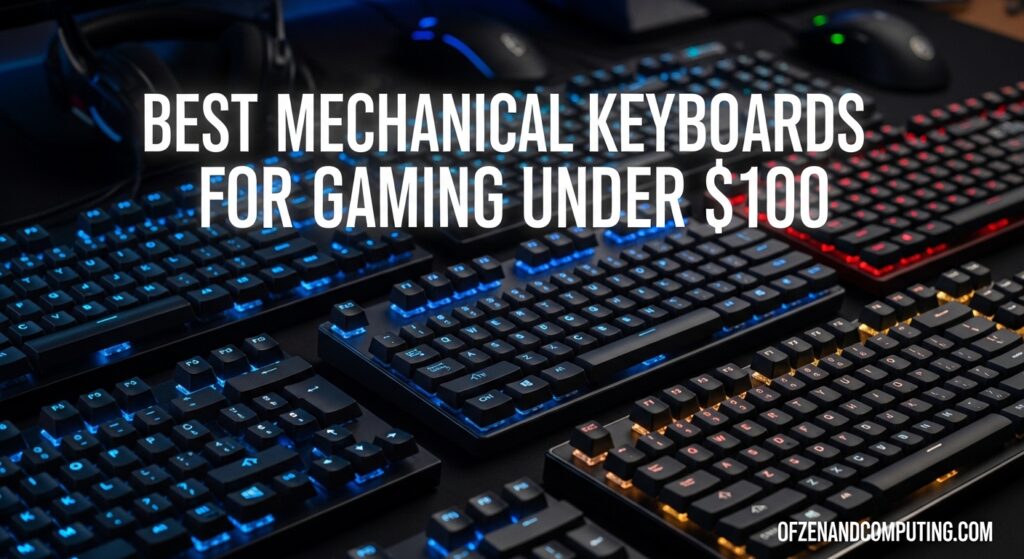
Choosing the right gaming keyboard type depends largely on your preferences for feel, sound, and response time, along with your budget. Traditional mechanical keyboards, using individual switches under each key, offer unparalleled tactile feedback and durability. They come in various switch types (e.g., Cherry MX Red for linear, Blue for clicky, Brown for tactile) allowing for personalization. Optical keyboards use light sensors instead of metal contacts, offering extremely fast response times and enhanced durability due to fewer moving parts susceptible to wear. Membrane keyboards are generally quieter and more affordable, using a rubber dome under a single membrane sheet, but often lack the precision, durability, and tactile satisfaction of mechanical or optical options.
For competitive gamers, the near-instant actuation of optical switches can provide a marginal but noticeable edge, while mechanical switches remain a favorite for their satisfying feel and customization options. Many gamers around 36, who enjoy skill-building in games, often gravitate towards mechanical for its robust feel and longevity. If budget is a primary concern or you need a quieter option for shared living spaces, a good quality membrane keyboard can still be perfectly functional for casual gaming. However, for serious performance and long-term investment, mechanical or optical are generally superior for your PC gaming keyboard mouse setup.
What features should I look for in a gaming mouse for competitive play?
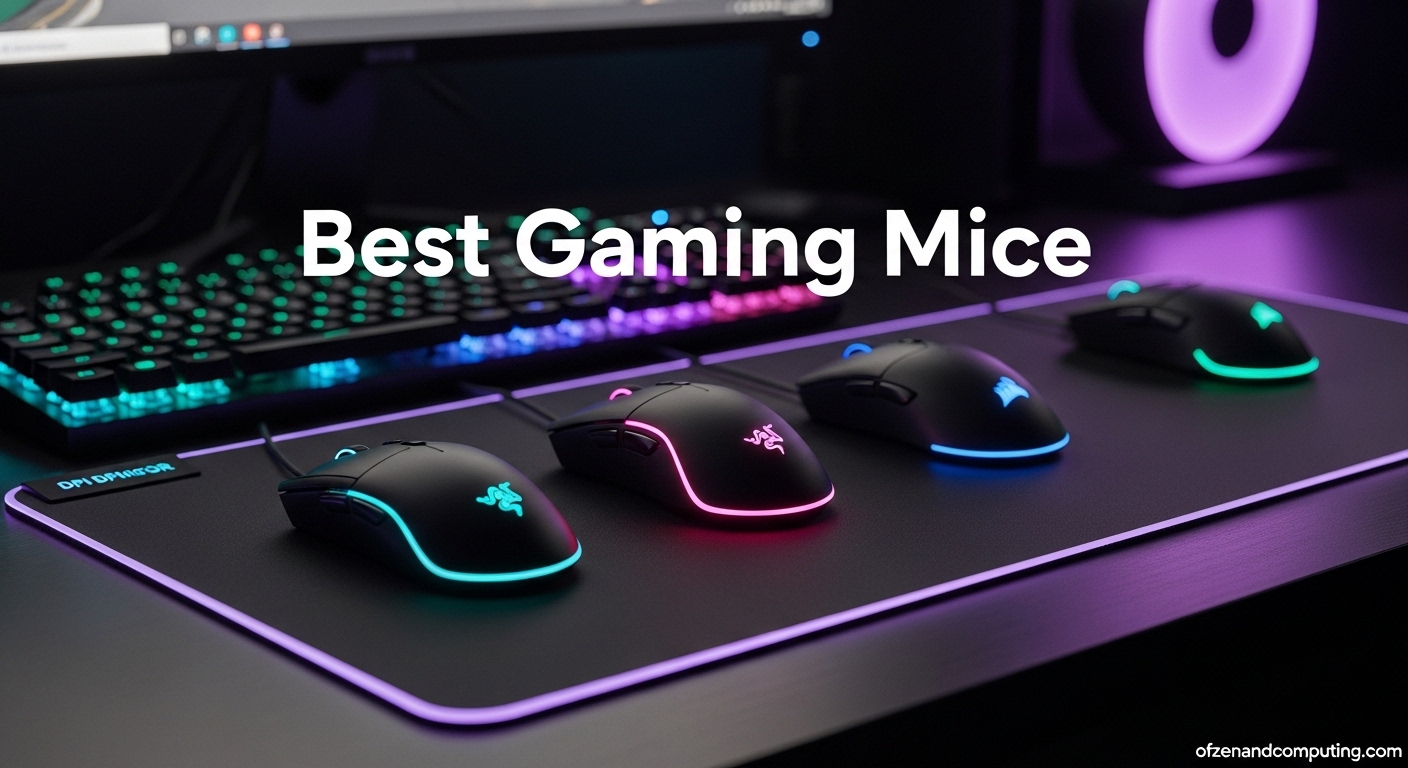
For competitive PC gaming, your mouse is critical for precision and speed. Key features to prioritize include a high-precision optical sensor with a wide DPI (dots per inch) range, allowing you to fine-tune sensitivity to your exact preference. A lightweight design (under 80g is often preferred) reduces fatigue during long sessions, crucial for those 10+ hours a week gamers. Look for a comfortable ergonomic shape that suits your grip style (palm, claw, fingertip). Low latency is non-negotiable, meaning a wired connection or a high-quality 2.4GHz wireless connection with a dedicated dongle. Customizable buttons (DPI clutch, side buttons) are vital for assigning macros or in-game actions, giving you quick access without moving your hand from the primary controls.
Polling rate, often 1000Hz, ensures rapid communication with your PC, capturing every micro-movement. PTFE feet (Teflon) provide smooth gliding over your mousepad, reducing friction. Software support for customizing DPI profiles, button assignments, and RGB lighting adds to the experience, though functionality often trumps aesthetics. The ideal gaming mouse should feel like an extension of your hand, offering consistent, precise tracking without any skips or jitters, giving you confidence whether you're landing a headshot in an FPS or micro-managing units in an RTS. This month's data shows many top players favor mice with excellent sensors and lightweight designs for peak competitive advantage.
How can I optimize my PC gaming keyboard mouse settings for peak performance?
Optimizing your PC gaming keyboard mouse settings can significantly elevate your performance. Start with your mouse DPI: find a range that feels comfortable for general navigation (e.g., 800-1600 DPI) and then adjust in-game sensitivity to match your muscle memory. Disable mouse acceleration in Windows (Enhanced Pointer Precision) for consistent tracking. Ensure your mouse polling rate is set to maximum (usually 1000Hz) in its software. For your keyboard, disable Windows 'Sticky Keys' and 'Filter Keys' to prevent accidental activations or input delays. Many gaming keyboards come with proprietary software that allows you to customize keybindings, create macros, and set up game-specific profiles. Utilize these features to streamline complex actions or rebind keys for better ergonomics.
Beyond software, physical placement matters. Position your PC gaming keyboard and mouse comfortably, ensuring your wrists are straight and supported, reducing strain during extended gaming sessions. Experiment with different mousepad surfaces (control vs speed) to find what complements your mouse and playstyle. Regularly update your peripheral drivers for optimal compatibility and performance. Even small tweaks can make a big difference, especially for gamers who prioritize skill-building and efficient use of their limited gaming time.
Are wireless gaming keyboards and mice finally good enough for serious gaming?
Absolutely, wireless gaming keyboards and mice have made incredible strides and are now widely considered good enough for serious gaming, even competitive play. Advancements in wireless technology, particularly 2.4GHz connections with dedicated USB dongles, have dramatically reduced latency to near-wired levels, often imperceptible to the human eye. Brands like Logitech, Razer, and SteelSeries offer proprietary wireless technologies (e.g., Lightspeed, HyperSpeed) that rival or even surpass wired performance in terms of responsiveness. The freedom from cables allows for cleaner desk setups and unrestricted movement, a huge benefit for ergonomics and comfort, especially for adults who value a tidy workspace.
Battery life has also seen significant improvements, with many wireless peripherals offering hundreds of hours on a single charge or supporting fast charging. While professional esports players might still opt for wired setups for the absolute purest connection, the vast majority of gamers, including those balancing jobs and families, will find modern wireless PC gaming keyboard mouse options perfectly capable and incredibly convenient. Just ensure you're investing in a reputable gaming-specific wireless peripheral, as generic Bluetooth connections might still suffer from noticeable lag.
What are the essential ergonomic tips for a comfortable PC gaming setup?
Ergonomics are crucial for any gamer, especially those who spend significant time at their desk. Start with your chair: ensure proper lumbar support, adjustable armrests, and a seat height that allows your feet to be flat on the floor or a footrest, with your knees at a 90-degree angle. Your monitor should be at arm's length, with the top of the screen at or slightly below eye level. When it comes to your PC gaming keyboard mouse, position them so your wrists are straight, not bent up or down. A wrist rest for your keyboard can help maintain a neutral wrist position.
Choose a mouse that fits your hand size and grip style naturally, avoiding awkward angles. Take regular breaks (every 30-60 minutes) to stretch and move around; even a few minutes can prevent strain. Utilize adjustable desk features if you have them, like standing desks, to change your posture throughout the day. Investing in a comfortable, ergonomic setup isn't just about preventing pain; it’s about sustaining focus and enjoyment over long gaming sessions, crucial for gamers balancing their passion with life's other demands.
How do I maintain my gaming peripherals to extend their lifespan?
Proper maintenance significantly extends the lifespan of your PC gaming keyboard and mouse, saving you money and frustration. For your keyboard, regularly use compressed air to blow out dust, crumbs, and pet hair from between the keycaps. For mechanical keyboards, you can carefully remove keycaps for a deeper clean with a brush and isopropyl alcohol, but be gentle. For your mouse, clean the sensor area with a cotton swab lightly dampened with isopropyl alcohol, and wipe down the mouse body and scroll wheel to remove grime and oils. Keep your mousepad clean too, as a dirty surface can affect tracking performance.
Avoid eating or drinking directly over your peripherals to prevent spills. Manage your cables neatly to prevent tangles and accidental tugs, which can damage connectors. Store your peripherals in a clean, dust-free environment when not in use, perhaps under a cover. Regular, gentle cleaning not only keeps your gear looking fresh but also ensures consistent performance, preventing issues like sticky keys or erratic mouse tracking that can ruin a crucial gaming moment. For the average gamer, this simple routine translates to fewer unexpected purchases and more reliable fun.
What are some budget-friendly PC gaming keyboard mouse options that dont compromise quality?
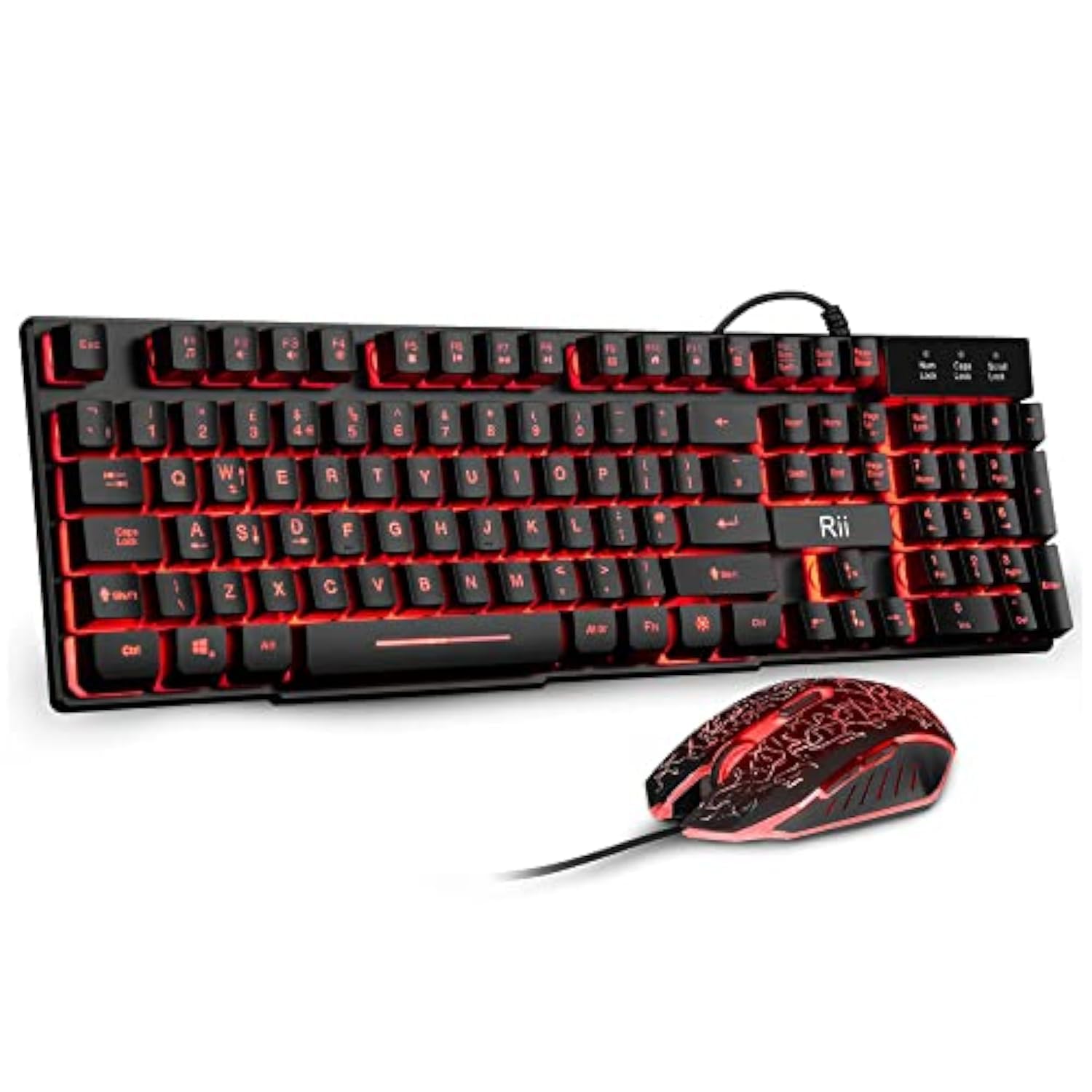
Finding budget-friendly PC gaming keyboard mouse options that don't compromise quality is entirely achievable with smart choices. For keyboards, look at brands like Redragon, HyperX (their entry-level models), or Cooler Master's more affordable mechanical lines. You can often find excellent mechanical keyboards with reputable switches (like Outemu or Kailh, which are good alternatives to Cherry MX) for under $80-$100. These offer durability and satisfying feedback without the premium price tag. For mice, brands such as SteelSeries (Rival series), Glorious (Model O/D series), or some of Razer's entry-level DeathAdder models offer fantastic sensors and lightweight designs in the $40-$70 range. These often deliver performance comparable to their high-end counterparts, focusing on core functionality over flashy RGB or excessive features.
Consider buying during sales events like Black Friday or Prime Day for even deeper discounts. Refurbished products from reputable retailers can also be a great way to snag premium gear at a lower cost, often with warranties. The key is to prioritize essential features like a good sensor for the mouse and reliable switches for the keyboard, rather than getting caught up in unnecessary bells and whistles. Many budget-friendly options today provide excellent value, allowing you to enjoy a competitive edge and a comfortable setup without feeling like you've overspent, a perfect balance for the value-conscious gamer.
How do I troubleshoot common keyboard and mouse issues during gaming?
Encountering keyboard or mouse issues during a gaming session can be incredibly frustrating. Start with the basics: ensure all cables are securely plugged into your PC. If it's a wireless device, check battery levels or try replacing the batteries, and ensure the USB receiver is plugged into a functional port, preferably directly into the motherboard, not a hub. A quick fix is often to simply unplug and replug the device. If issues persist, try restarting your PC. Sometimes, a software glitch or driver conflict can cause peripherals to malfunction. Check your device manager for any yellow exclamation marks indicating driver problems and update drivers if necessary.
For erratic mouse movement, clean the sensor with compressed air or a cotton swab. For sticky keys, gently clean around the keycap. Test the peripheral on another PC if possible, to determine if the issue is with the device itself or your system. If a specific game is causing problems, check that game's settings or forums for known compatibility issues. Often, a few simple troubleshooting steps can get your PC gaming keyboard mouse back to peak performance, saving you from prematurely replacing perfectly good gear.
Can high-end PC gaming keyboard mouse gear truly improve my in-game skill?
While high-end PC gaming keyboard mouse gear won't magically transform a beginner into an esports pro, it absolutely can provide a tangible advantage and significantly improve your consistency and comfort, thereby indirectly boosting your in-game skill. Superior sensors in mice offer pixel-perfect tracking without acceleration or jitter, allowing for more precise aim. Mechanical or optical keyboards with fast actuation and customizable macros can shave milliseconds off your reaction time and streamline complex commands. Ergonomic designs reduce fatigue over long sessions, enabling sustained focus and peak performance.
Think of it as removing obstacles rather than gaining superpowers. When your gear is responsive, comfortable, and reliable, you can concentrate purely on strategy, aim, and movement without fighting your peripherals. This consistency builds muscle memory faster and reduces frustration, which is vital for skill development. For gamers balancing life, having gear that performs flawlessly means your limited gaming time is spent honing skills, not struggling with equipment. While skill is paramount, optimized PC gaming keyboard mouse gear provides the foundation for that skill to truly flourish, especially in competitive titles where every millisecond counts, as seen in current esports trends.
Conclusion
Optimizing your PC gaming keyboard and mouse setup doesn't have to be a daunting task. By understanding your needs, choosing wisely, and maintaining your gear, you can create an environment that enhances your gameplay, reduces frustration, and maximizes your enjoyment. Remember, the best peripherals are those that feel like an extension of yourself, allowing your skills to shine through without distraction. Whether you're a casual player or a competitive enthusiast, taking the time to fine-tune your PC gaming keyboard mouse setup is an investment in your gaming happiness.
What's your biggest PC gaming keyboard mouse challenge? Comment below and share your thoughts!
FAQ Section
How often should I clean my PC gaming keyboard and mouse?
It's generally recommended to do a light clean (dusting, wiping surfaces) weekly, and a deeper clean (compressed air, removing keycaps for keyboards, sensor cleaning for mice) once a month or every few months, depending on usage and environment. Regular cleaning prevents build-up that can affect performance.
Is a heavy or light gaming mouse better?
There's no definitive 'better' for mouse weight; it's a personal preference. Lighter mice (under 80g) are often favored by competitive FPS players for quick, flick-shot movements, reducing fatigue. Heavier mice can offer more stability and a sense of control for some. Many modern mice offer adjustable weights.
What is key rollover and why does it matter for gaming keyboards?
Key rollover (often N-key rollover or NKRO) refers to the number of keys that can be simultaneously pressed and registered by the keyboard. For gaming, this is crucial because it ensures that complex key combinations (like running, jumping, reloading, and activating an ability all at once) are all recognized without any missed inputs. A good gaming keyboard offers full NKRO.
Should I use a wrist rest for my gaming keyboard and mouse?
Using a wrist rest can be beneficial for maintaining a neutral wrist position, which helps prevent strain and conditions like carpal tunnel syndrome, especially during long gaming sessions. However, ensure you're resting your palm or the heel of your hand on it, not your wrist itself, to avoid putting pressure on nerves.
What is mouse acceleration and why should I disable it?
Mouse acceleration is a setting that makes your cursor move further the faster you move your mouse. While useful for general desktop use, it creates inconsistent tracking in games because a small, fast movement will cover more distance than a small, slow movement, making precise aiming difficult. Disabling it (e.g., in Windows 'Enhanced Pointer Precision') ensures consistent 1:1 mouse movement, vital for muscle memory and aim.
Choosing the right PC gaming keyboard and mouse, optimizing settings for peak performance, understanding mechanical vs optical switches, finding ergonomic solutions for comfort, troubleshooting common peripheral issues, budget-friendly gaming gear, impact of wireless technology, maintaining your gaming peripherals.
35


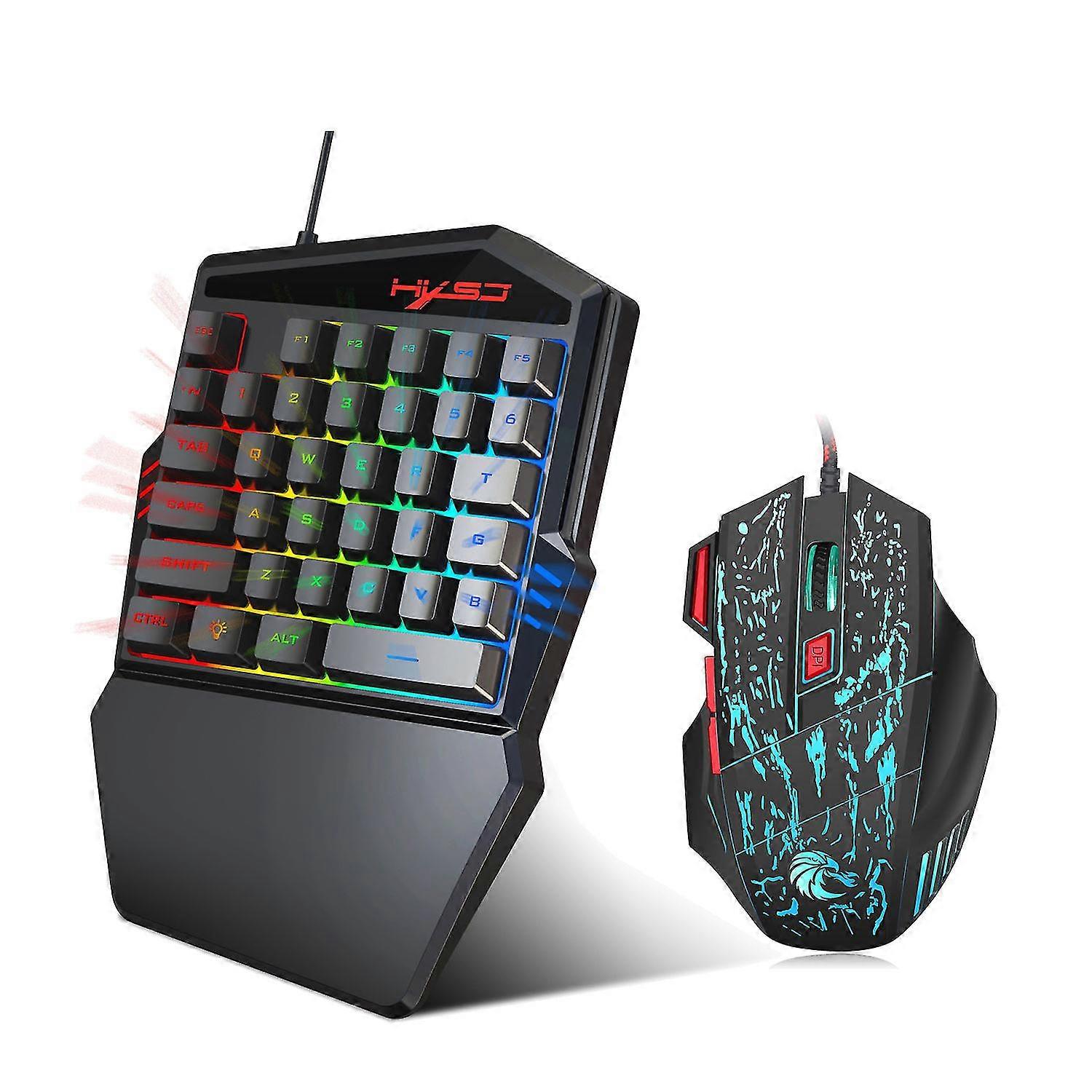

Best Gaming Keyboard April 2026 Updated R Gaming PC Guru AC SL1500 . Best Keyboards For Gaming 2026 Mechanical Gaming PC Guru AC SL1500 . Gaming Keyboard And Mouse Buying Guide India 2026 Frontech Frontech Gaming Keyboard Mouse Frontech . 2026 Hxsj One Handed Gaming Keyboard Mouse Fruugo AU 2334797497 Max . Amazon Com Wireless Gaming Keyboard And Mouse Combo 61 Key Rainbow 71gR IwIv L. AC SL1500

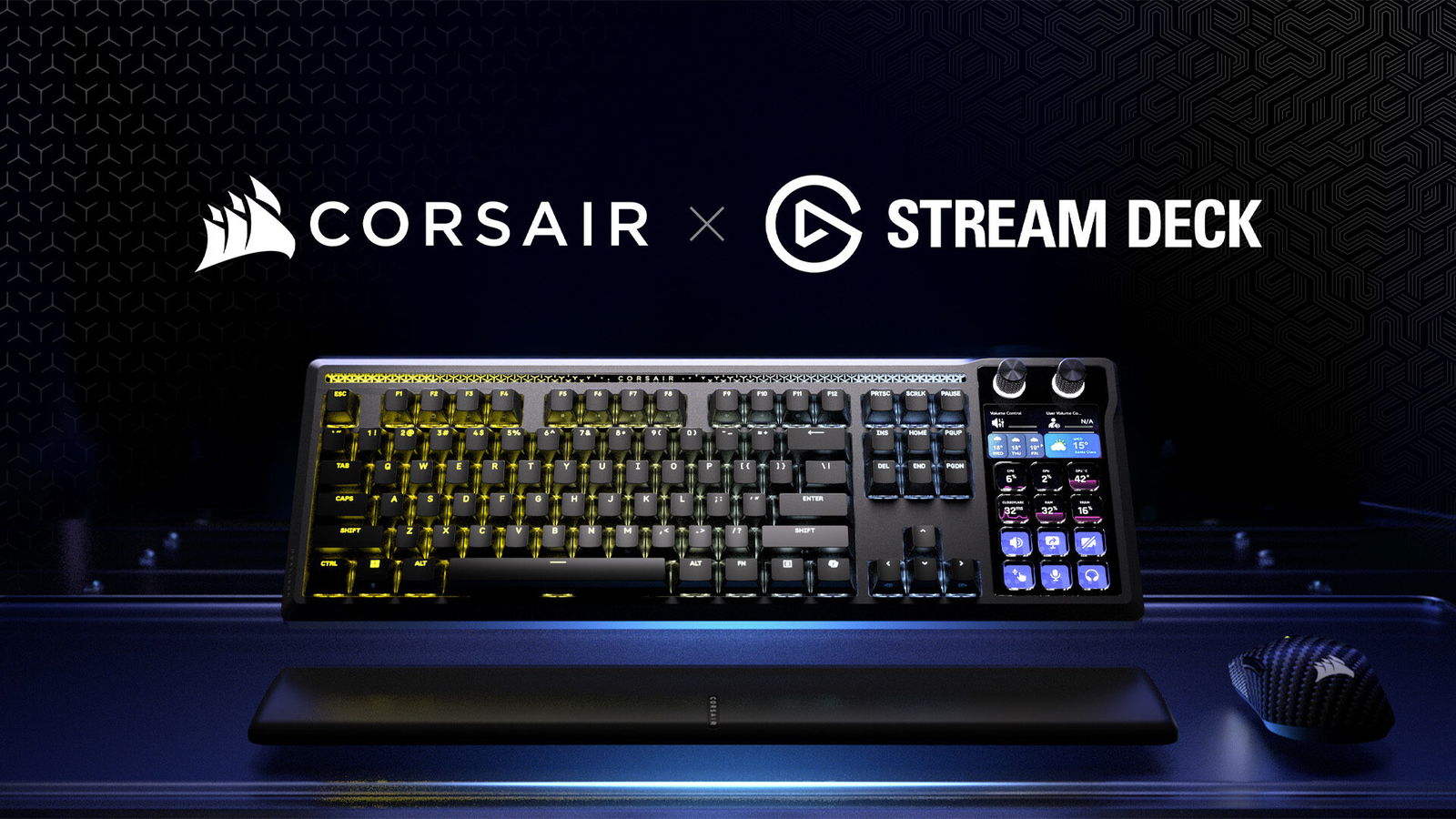


Amazon Com Wireless Keyboard And Mouse RGB Backlit Combo MOOJAY AC SL1500 . CES 2026 CORSAIR Unveils New Gaming Keyboard Alongside New Gaming Ces 2026 Corsair Unveils New Gaming Keyboard Alongside New Gaming Peripherals 2026 01 06 563834 . The 3 Best Gaming Mice Of 2026 Precision Performance The 3 Best Gaming Keyboards Of 2026 . Best Keyboards For Gaming 2026 Mechanical Gaming PC Guru Best Buy Gaming Keyboard Featured 800x500 . Tech Blogs A Owais 71S PQNQyIL. SL1500
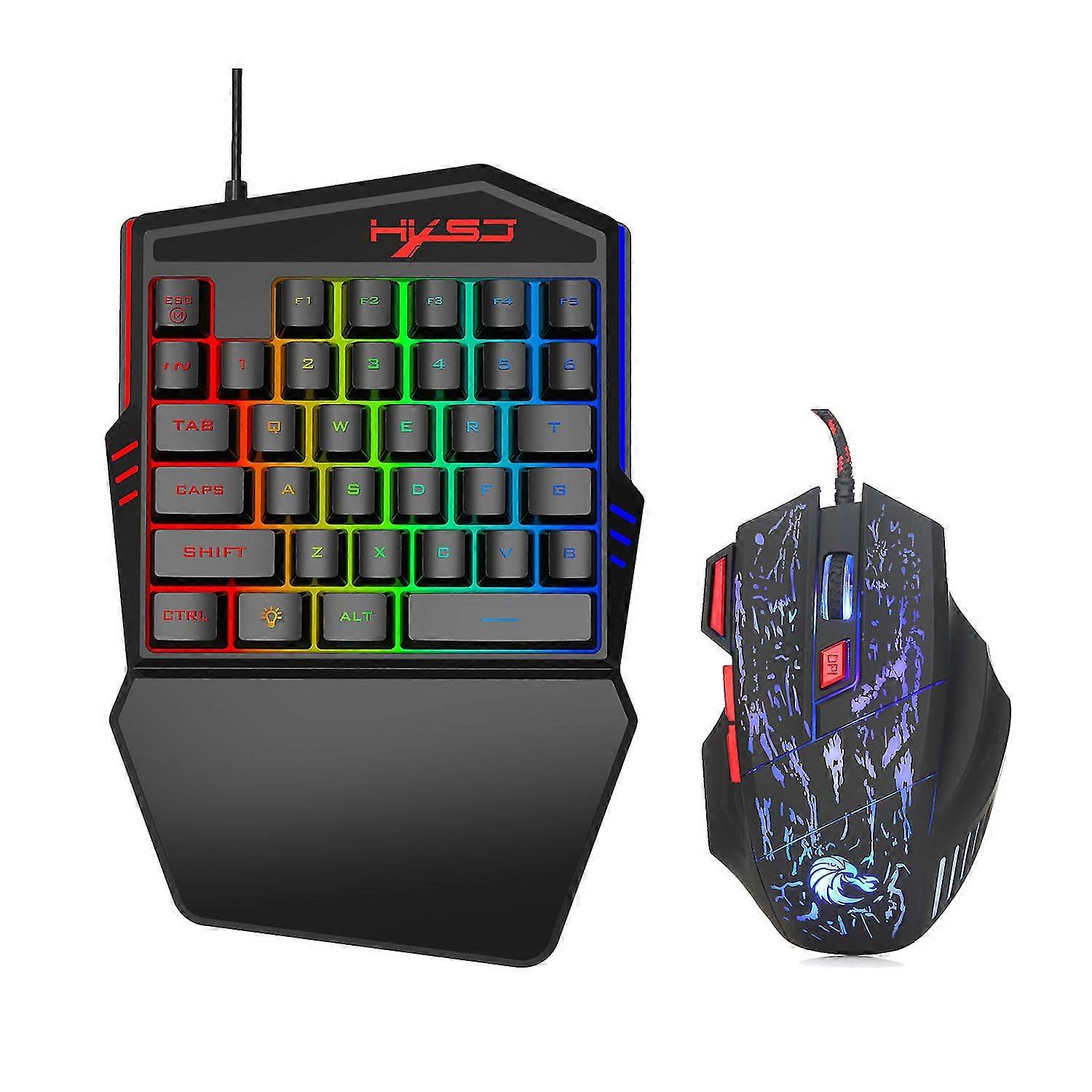


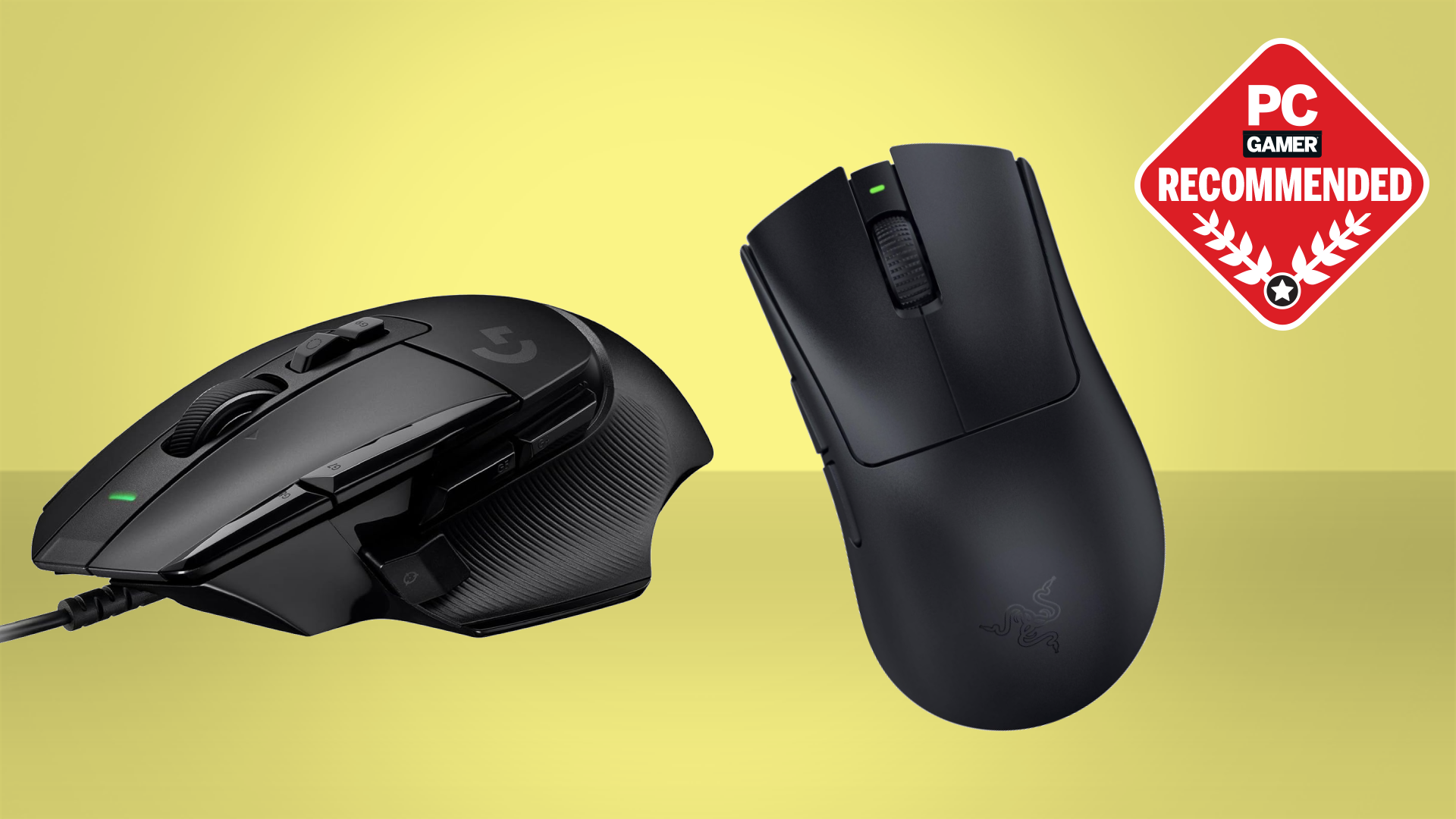
2026 Hxsj One Handed Gaming Keyboard Mouse Fruugo AU 2334797523 Max . 7 Best Gaming Mouse Keyboard Sets Of 2026 Top Gaming Gear 2025 . Best Gaming Keyboards Mice For Valorant In 2026 Precision Speed 1024x1024 . Best Gaming Mouse In 2026 We Ve Tested The Very Best Mice And These . Best Gaming Mouse Under 25 In March 2026 Budget Champions Tested Featured Image Uf9pmdaa


Best Wireless Mice 2026 12 Top Models Tested And Reviewed Best Wireless Mice . Best 60 Keyboards In 2026 Our Top Picks PC Guide Best Gaming Keyboards . Best Ergonomic Keyboards In 2026 Complete Buyer S Guide Gaming PC Guru 7165L SRfDL. AC SL1500 . The 4 Best Gaming Keyboards Of 2026 Reviews By Wirecutter BEST GAMING KEYBOARDS 2048px 5810 2x1 1 . Best Gaming Keyboards Under 100 2026 Vivid Repairs UK Vivid Repairs RedThunder K10 Wired Gaming Keyboard And Mouse Com 81dc4b7d
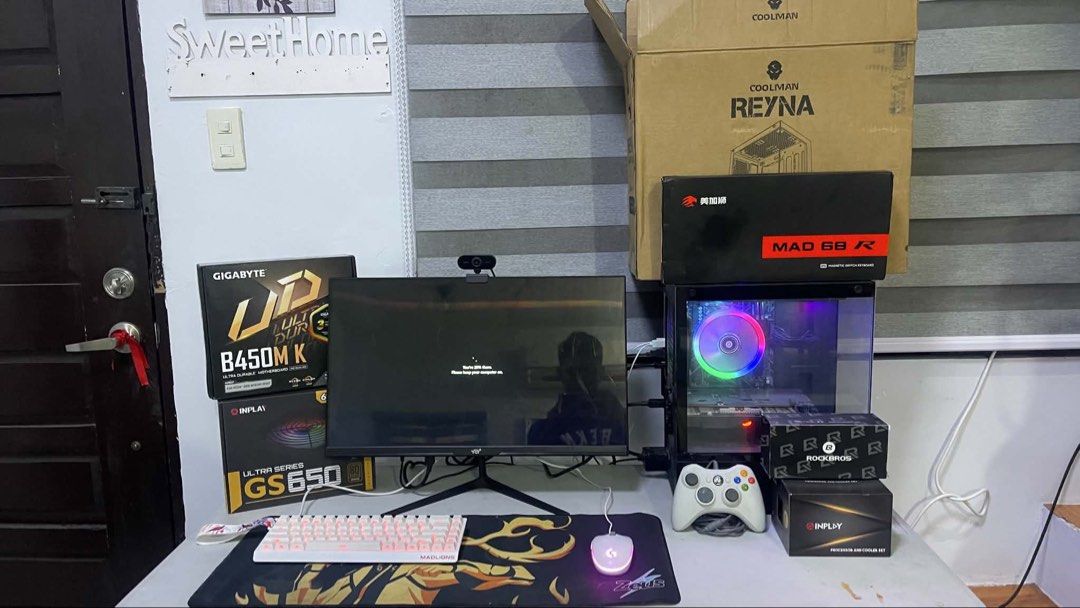

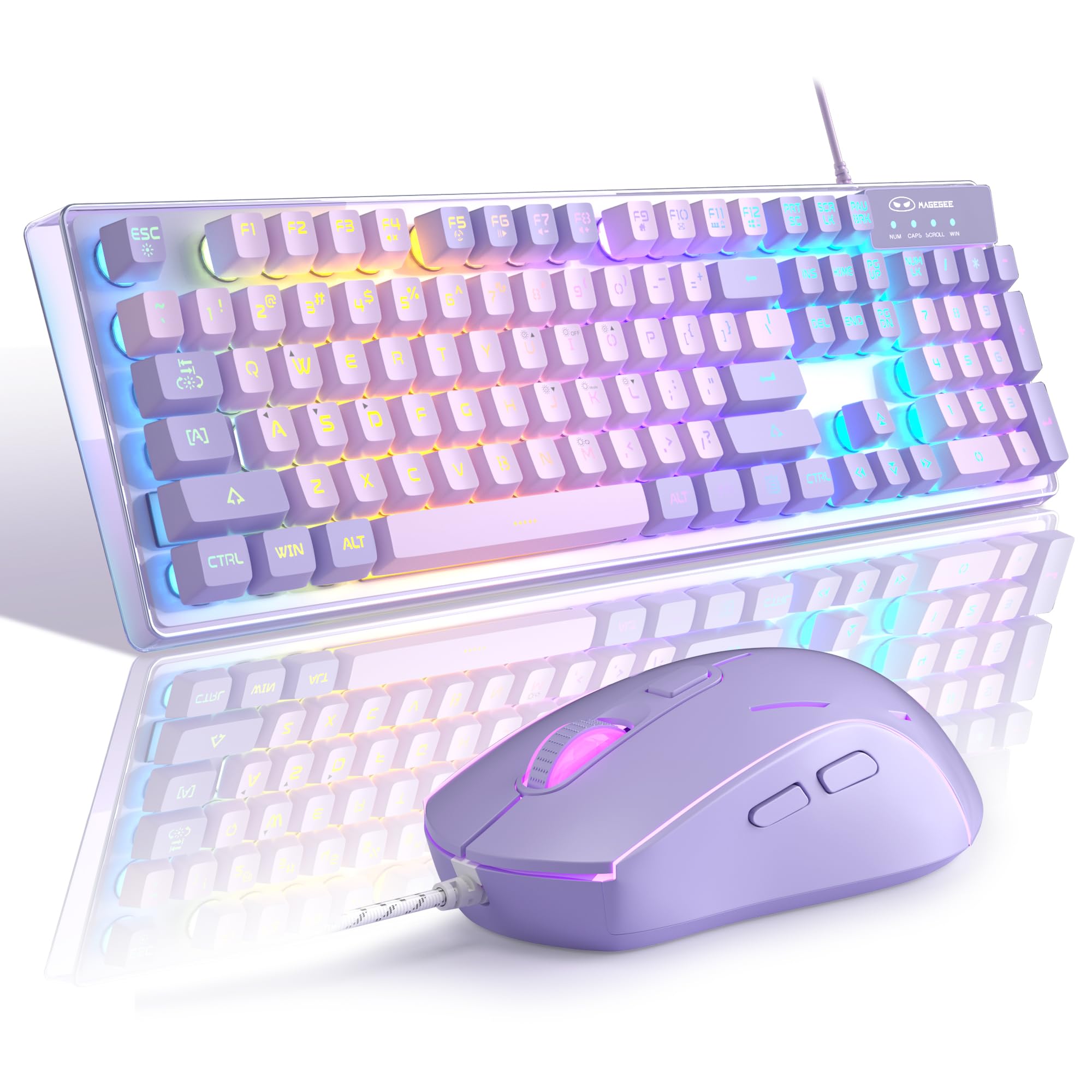


Custom Gaming PC Monitor Keyboard Mouse And Accessories Computers Custom Gaming Pc Monitor Keybo 1783756867 1d864fa4 Progressive . Best Fallout 4 Mods 2025 Gamers Unchained Best Gaming Mouse . Gaming Keyboard And Mouse Combo K1 RGB LED Backlit Keyboard With 104 71danaq5QTL . The Best Gaming Mouse And Keyboards Of 2026 A Guide To Performance Klavye. Amazon Com KOORUI Mechanical Gaming Keyboard And Mouse Combo 104Key AC
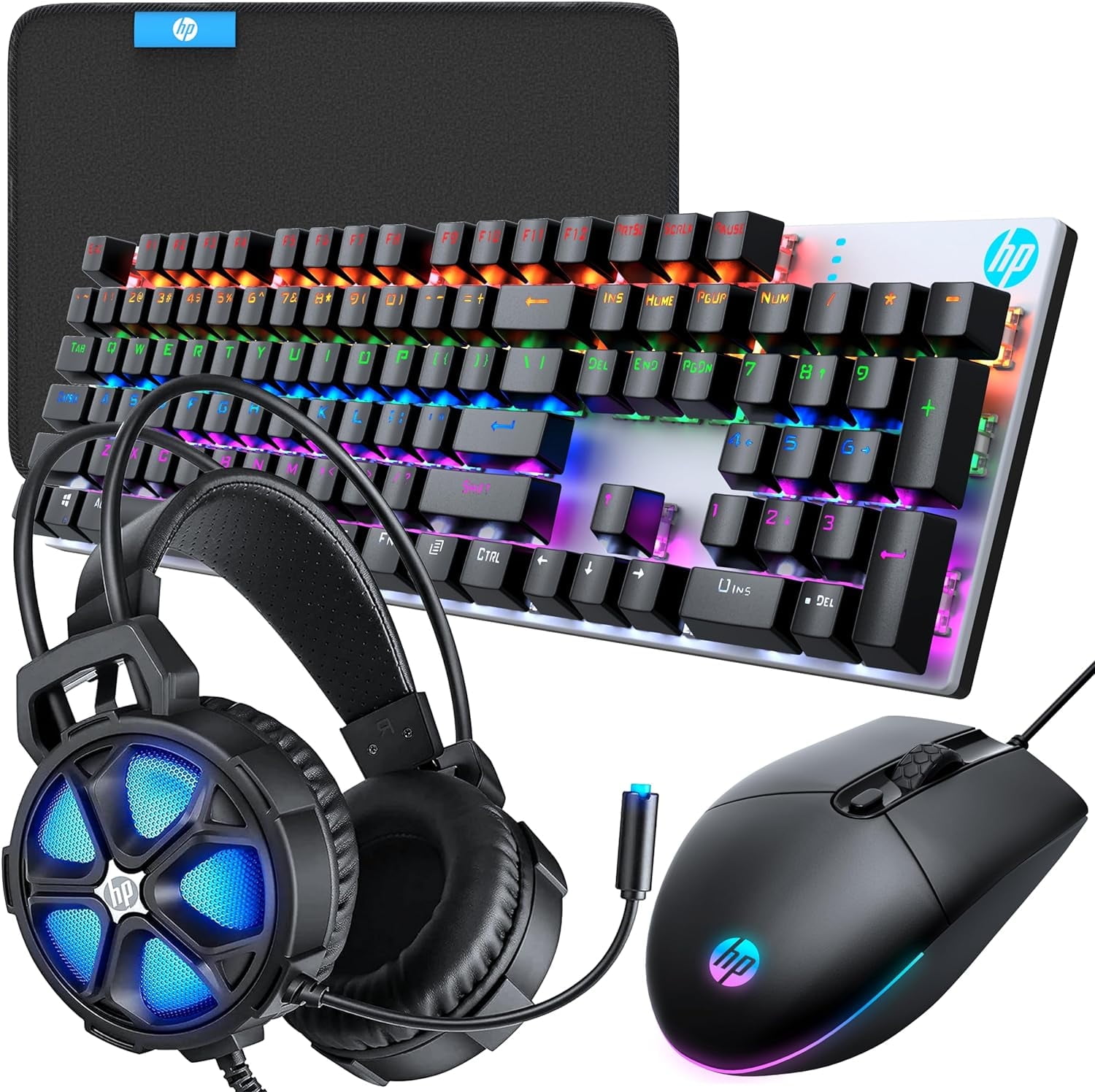
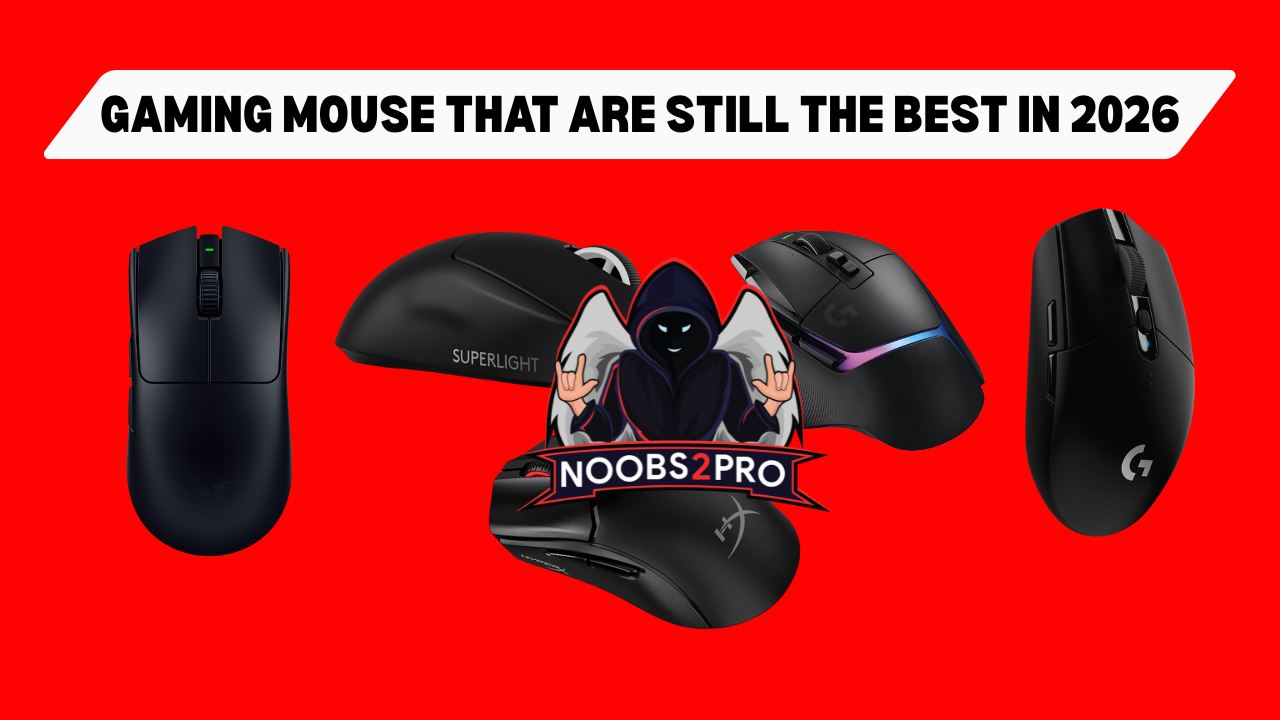

HP PC Gaming Keyboard And Mouse Combo RGB Backlit Wired Gaming Mouse HP PC Gaming Keyboard Mouse Combo RGB Backlit Wired Keyboard Pad Headset Gamer 4 1 Bundle PS4 PS5 Xbox Ab9fb0bf 237b 4c98 A2a7 . Gaming Mouse That Are Still The Best In 2026 Noobs2Pro Gaming Mouse That Are Still The Best In 2026 . Best Cheap Gaming Mice 2026 Budget Picks Gaming PC Guru Wired Vs Wireless Gaming Mouse 800x500 . Best Gaming Mouse Under 25 In March 2026 Budget Champions Tested Best Mechanical Keyboards For Gaming Under 100 1024x559 . The Best Logitech Gaming Mouse 2026 GamesRadar


Best Gaming Mouse Under 25 In March 2026 Budget Champions Tested Best Gaming Mice . Precision And Performance The 2026 Keyboard Buyer S Guide AC SL1500 . Best Gaming Keyboards Under 100 2026 Vivid Repairs UK Vivid Repairs Rii RK108 Gaming Keyboard And Mouse SetWired LED L F3d36da6 . Custom Gaming PC Monitor Keyboard Mouse And Accessories Computers Custom Gaming Pc Monitor Keybo 1783756867 34157dfa Progressive . Best Keyboards For Gaming 2026 Mechanical Gaming PC Guru Mechanical Vs Membrane Keyboard 800x500