Discover how to navigate the complex world of Roblox ensuring a safe environment for your children This comprehensive guide for busy gaming parents offers practical strategies for understanding parental controls identifying risks and fostering open communication about online safety Many adult gamers juggle careers families and personal relaxation time often finding solace in their own digital worlds With 87 percent of US gamers regularly engaging in their favorite titles for over 10 hours a week balancing this passion with parental responsibilities can be a challenge This article addresses the crucial concerns surrounding Roblox and predators providing actionable advice to protect your child without sacrificing your valuable time Learn about robust privacy settings how to recognize suspicious behavior and the best ways to report issues We delve into community guidelines and share insights on age-appropriate discussions about online dangers Equipping you with the knowledge and tools needed to create a secure and enjoyable Roblox experience for the younger generation is our priority This guide helps you stay current with online safety trends making informed decisions for your family's digital wellbeing
What are the common risks for children on Roblox?
Roblox presents risks such as inappropriate content, cyberbullying, exposure to bad language, and interactions with individuals who may have malicious intent. These are amplified by social features and user-generated content, making vigilance and protective measures essential for parents.
How can parents set up effective parental controls on Roblox?
Parents should enable Account Restrictions to curate age-appropriate experiences, adjust Privacy settings to limit chat and messaging to "Friends" or "No one," and activate a Parent PIN to prevent children from altering these safety configurations without consent. These steps are crucial for safeguarding their digital environment.
What communication strategies work best with kids about online safety?
Effective communication involves fostering an open, non-judgmental dialogue, encouraging children to report uncomfortable interactions without fear of punishment. Using real-world analogies and regularly checking in about their online experiences helps build trust and ensures they feel safe to share concerns.
How do I report suspicious activity or a potential predator on Roblox?
To report suspicious activity, use the "Report Abuse" feature found on user profiles and chat messages, providing specific details like the user's name and the nature of the offense. Prompt reporting through the in-game system or the Roblox Help Center is vital for moderation teams to investigate and act.
What are Roblox's community guidelines regarding inappropriate behavior?
Roblox's Community Standards prohibit sexual content, violence, hate speech, sharing personal information, and illegal activities. These rules are enforced by automated filters and human moderators, leading to bans or terminations for violations. Understanding these helps children recognize and report misconduct.
Are there signs of grooming or predatory behavior parents should look for?
Parents should watch for strangers showing excessive interest, requests for real-world contact or photos, attempts to move conversations off-platform, secrecy, or sudden mood changes in their child. Any pressure to keep secrets or disproportionate in-game gifts are major red flags indicating potential grooming attempts.
How can I monitor my child's Roblox activity without invading privacy?
Monitor by occasionally playing with your child, reviewing their friends list, and engaging in open discussions about their online interactions. Keeping gaming in common areas and having a mutual agreement about emergency password access fosters trust while ensuring safety, rather than covert surveillance.
For many of us adult gamers, finding that perfect balance between crushing raid bosses and ensuring our kids are safe online is a daily tightrope walk. We know the joy and relaxation gaming brings us, often after a long day of work and family duties. With an impressive 87 percent of US gamers regularly logging in, dedicating over 10 hours a week to their favorite titles, and mobile gaming continuing its dominance, digital worlds are undeniably a huge part of our lives—and our children's. Platforms like Roblox, a creative sandbox that attracts millions of young users, offer immense fun and social opportunities. Yet, for every parent, the underlying concern about Roblox and predators, and general online safety, is a constant worry. How do we, as busy, gaming-savvy parents, protect our kids without turning into digital detectives or hovering over every screen time session? This guide is designed to cut through the noise, offering practical, actionable advice that respects your time and empowers you to foster a safer online experience for your child on Roblox. We will explore everything from robust parental controls to effective communication strategies, giving you the tools to confidently navigate these digital waters.
What are the common risks for children on Roblox?
Roblox, while incredibly popular, presents several potential risks that parents should be aware of. The primary concerns revolve around inappropriate content, exposure to bad language, cyberbullying, and interactions with individuals who may have malicious intent, often referred to as predators. These risks are amplified by the platform's social features, which allow direct messaging and interaction within games. Unmoderated user-generated content, though constantly screened, can sometimes slip through, exposing children to mature themes or unsafe links. Moreover, phishing scams or requests for personal information can occur, targeting unsuspecting young users. Balancing the creative freedom of Roblox with robust safety measures is key for parents.
How can parents set up effective parental controls on Roblox?
Setting up strong parental controls on Roblox is your first line of defense. Roblox offers a suite of settings accessible through the account settings on the website or app. First, enable Account Restrictions to limit your child to a curated list of age-appropriate experiences. This is a crucial step for younger players. Next, adjust the Contact Settings under the Privacy tab. You can limit who can message your child, who can chat with them in experiences, and who can join them in private servers. We recommend setting these to "Friends" or "No one" for maximum safety. Additionally, enable a "Parent PIN" for these settings, preventing your child from changing them without your permission. This PIN is vital for maintaining control over privacy and spending limits.
What communication strategies work best with kids about online safety?
Open and ongoing communication is paramount. Instead of lecturing, aim for a conversational approach. Start early, even before they begin playing, by explaining that the internet has both fun people and people who aren't always kind or honest. Encourage your child to talk to you immediately if anything or anyone makes them feel uncomfortable, scared, or confused. Use real-world analogies; for example, "Just like we don't talk to strangers in the park, we don't give personal information to strangers online." Regularly check in with them about their gaming experiences, asking open-ended questions like "What cool games did you play today?" or "Did anything weird happen in chat?" Make it clear that they won't get in trouble for reporting bad experiences.
How do I report suspicious activity or a potential predator on Roblox?
Roblox provides clear mechanisms for reporting suspicious behavior. If your child encounters inappropriate content, bullying, or someone attempting to solicit personal information, instruct them or do it yourself immediately. Every user profile and in-game chat message has a "Report Abuse" button. This button is typically represented by three dots or a flag icon. When reporting, provide as much detail as possible: the user's name, the specific content or message, and the time it occurred. Roblox's moderation team reviews these reports around the clock. You can also report directly through the Roblox Help Center. Timely reporting is crucial for Roblox to investigate and take action, ensuring the platform remains safer for everyone.
What are Roblox's community guidelines regarding inappropriate behavior?
Roblox maintains strict Community Standards designed to protect its young user base. These guidelines explicitly prohibit inappropriate content, including sexual content, extreme violence, hate speech, discrimination, and harassment. They also forbid sharing personal information, illegal activities, and scamming. Roblox uses a combination of automated filters and human moderators to enforce these rules. Any user found violating these standards faces consequences ranging from temporary bans to permanent account termination. Understanding these guidelines helps parents educate their children on what behavior is acceptable and what isn't, empowering them to be responsible digital citizens and report violations confidently. Staying informed about these policies helps reinforce the importance of respectful online interactions.
Are there signs of grooming or predatory behavior parents should look for?
Recognizing the signs of grooming or predatory behavior is critical for parental vigilance. Predators often attempt to isolate children, gain their trust, and then exploit them. Key indicators include: a stranger expressing excessive interest in your child's personal life; someone asking for real-world contact information like phone numbers or social media handles; requests for photos or videos; trying to move conversations off the Roblox platform to unmonitored channels like private messaging apps; secrecy around online activities; or receiving gifts in-game that seem disproportionate to the relationship. Any attempts to make the child feel special or pressure them into keeping secrets should be a major red flag. Monitor for sudden changes in your child's mood, withdrawal, or increased anxiety after online interactions.
How can I monitor my child's Roblox activity without invading privacy?
Monitoring your child's Roblox activity doesn't have to be an invasive process. Start by playing Roblox with them occasionally to understand the games and their interactions. Use the Roblox platform's built-in features, like checking their "Friends" list and reviewing their chat history if privacy settings allow, or if they share it willingly. Regularly discuss their online friends, just as you would their real-life friends. Consider having a shared family device or keeping gaming in common areas of the house. For older children, a mutual understanding about occasional check-ins or having access to their password for emergencies can be part of a healthy digital agreement. The goal is to build trust and ensure safety, not to snoop, emphasizing that monitoring is about protection.
What are some safe family friendly Roblox games or experiences?
Finding safe and enjoyable experiences on Roblox is key to making the platform a positive one. Roblox itself categorizes experiences by age recommendation, which is a good starting point. Look for games labeled "All Ages" or "9+" that have high ratings and positive reviews from other players. Popular and generally safe choices include "Adopt Me," where players raise pets; "Brookhaven RP," a role-playing game focused on social interaction; "MeepCity," another social hangout game; and educational experiences like "Welcome to Bloxburg" which involves building and managing a virtual home. Always check the game's description and recent updates, and perhaps even play it yourself for a few minutes before recommending it to your child to ensure it aligns with your family's values.
How do I explain online dangers to my child in an age appropriate way?
Explaining online dangers requires tailoring the message to your child's developmental stage. For younger children, focus on simple rules like "Don't talk to strangers" and "Don't share private information." Use storybooks or short videos designed for kids about online safety. For pre-teens and early teens, you can introduce concepts like phishing, cyberbullying, and the permanence of online content. Emphasize critical thinking: "If something sounds too good to be true online, it probably is." Discuss the importance of digital footprints and how what they say or do online can have real-world consequences. The key is to empower them with knowledge, not to instill fear, and to reiterate that you are always there to help them if they encounter trouble. Regular, brief conversations are more effective than one long lecture.
What resources are available for Roblox online safety?
Roblox provides a wealth of resources to help parents and users navigate the platform safely. Their official "Parents Guide" website section offers detailed information on safety features, privacy settings, and how to report issues. Organizations like the National Center for Missing and Exploited Children NCMEC and Common Sense Media also offer excellent guides and advice specifically for Roblox and other online gaming platforms. Many online safety advocacy groups publish up-to-date information on recognizing and preventing predatory behavior online. Familiarizing yourself with these resources can keep you informed about the latest threats and best practices, empowering you with the knowledge to create a secure gaming environment for your family. Staying updated on community safety initiatives is an ongoing effort.
Navigating the exciting but sometimes challenging world of Roblox safety is an ongoing journey for every parent. As adult gamers ourselves, we understand the desire for seamless, worry-free digital experiences. By taking proactive steps like utilizing robust parental controls, fostering open communication with your children, staying vigilant for red flags, and knowing how to effectively use reporting tools, you can significantly enhance their online safety. Remember, you are your child's best advocate in the digital realm. Equipping them with knowledge and confidence is just as important as setting technical safeguards. Keep these tips in mind to ensure your child's Roblox adventures are filled with creativity, fun, and secure social interactions. What's your biggest gaming challenge when it comes to family safety? Comment below!
Is Roblox safe for 7-year-olds?
With proper parental controls and active supervision, Roblox can be a fun and engaging platform for 7-year-olds. However, it's crucial to enable Account Restrictions, limit chat settings, and continuously educate your child about online safety, as the platform contains diverse user-generated content.
Can Roblox track real-world location?
No, Roblox does not track users' real-world locations through its application. However, users should never share personal location details in chat or their profiles, and parents should educate children on this privacy rule.
What is a private server on Roblox?
A private server, also known as a VIP server, is a feature where players can create a private instance of an experience that only invited friends or specific users can join. This offers a more controlled and potentially safer environment for playing with known individuals.
How does two-factor authentication work on Roblox?
Two-factor authentication 2FA adds an extra layer of security by requiring a code from a verified email address or authenticator app in addition to the password when logging in. Enabling 2FA significantly protects your account from unauthorized access.
What are the privacy settings on Roblox?
Roblox privacy settings allow users to control who can chat with them, who can send them messages, who can join them in experiences, and who can make them a friend. These settings are crucial for limiting unwanted interactions and can be managed under the Privacy tab in account settings.
Can I limit in game purchases on Roblox?
Yes, parents can limit in-game purchases by setting up a Parent PIN on their child's Roblox account. This PIN is required to make any purchases, preventing unauthorized spending on Robux or other virtual items without parental approval. You can also manage payment methods through your platform's app store settings.
Parental controls are essential for Roblox safety. Open communication with children about online dangers is key. Recognize and report suspicious predatory behavior promptly. Utilize Roblox's built-in safety features and community guidelines. Balance gaming enjoyment with vigilant monitoring. Access external resources for continued online safety education.
35


Most Notorious Roblox Predators Part 1 YouTube . Roblox Predator Enablement Lawsuit January 2026 Update Roblox Predator Enablement Lawsuit . ROBLOX PREDATOR VS PREDATOR YouTube . The Predator Play On Roblox NoFilter. Roblox Is Protecting Predators YouTube
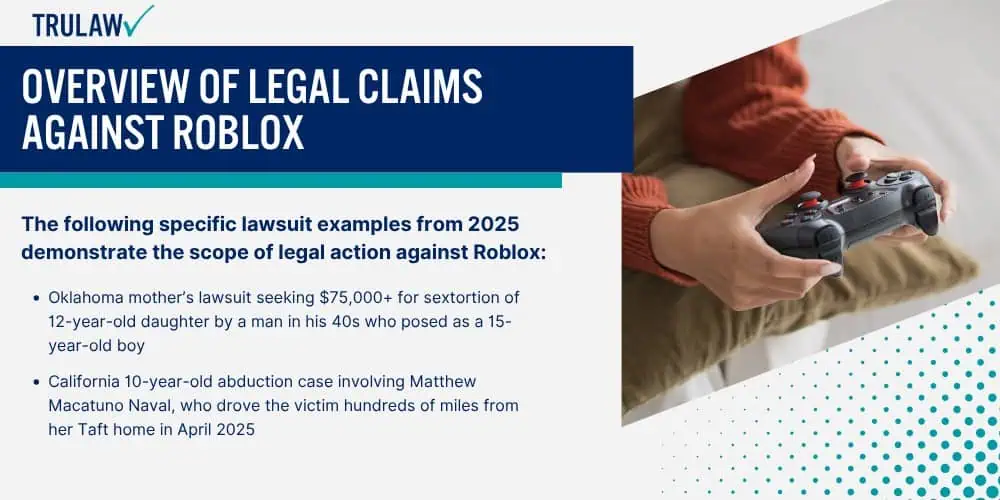


Roblox Predator Enablement Lawsuit January 2026 Update Overview Of Legal Claims Against Roblox 1.webp. The Most DISGUSTING Predator In Roblox YouTube . The Predator Roblox Avatar Showcase YouTube . Roblox Safety Guide How To Protect Your Child From Scams Predators SL1500 . Child Predators On Roblox Lawsuits Filed By Parents 2026 Update Why Child Predators Are A Major Concern On Roblox


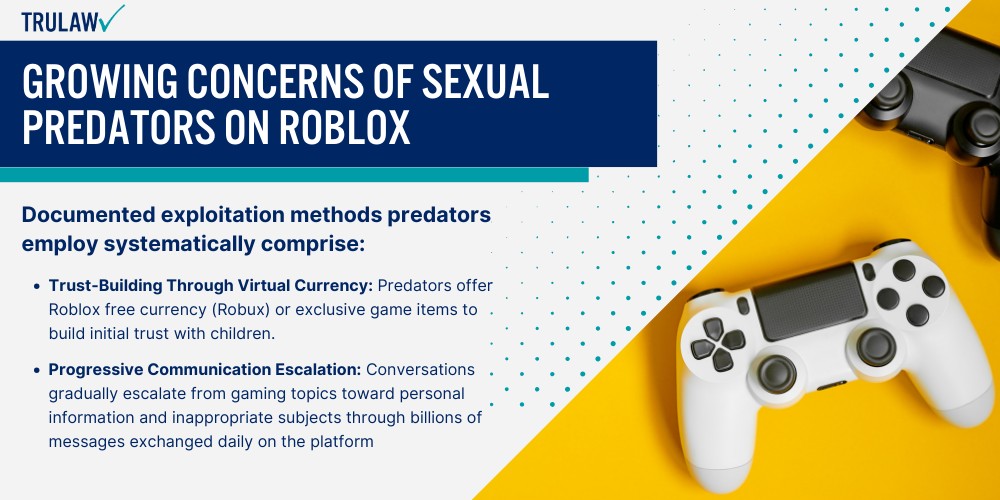

Roblox Predator Redefining In 2026 Roblox Predator Allegations And Platform Rpi . Roblox Supports Predators YouTube . The Predator Play On Roblox NoFilter. FAQ Is Roblox Safe For Kids Mar 2026 Guide For Parents Growing Concerns Of Sexual Predators On Roblox 1 . Roblox Lawsuit 2026 Payouts Eligibility And How To File Roblox Lawsuit 2026 Legal Guide Banner With Courthouse Scales Of Justice Icon.webp
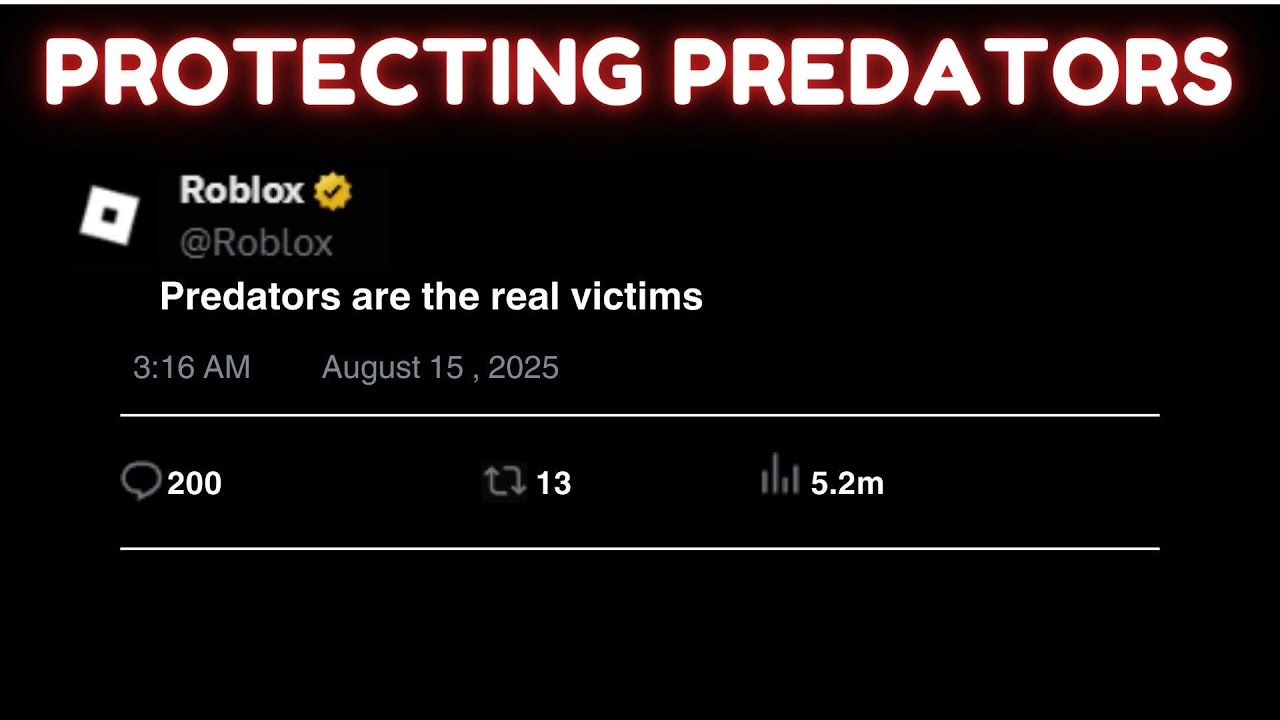



Roblox Predator Problem Is Diabolical YouTube . Roblox Predator Warning Signs 15 Red Flags Every Parent Should Know Roblox Predator Warning Signs Header . 15 Game Roblox Horror Terbaik 2026 15 Game Roblox Horror Terbaik 2026 Paling Seram And Bikin Deg Degan 7f944699ce . Definitive Guide To Roblox 2026 TM 07169 AU 19 60 Football Heaven TM 07169 Definitive Guide To Roblox 2026 . Prepare For 2026 With Roblox Trends TikTok Img



How To Message On Roblox 2026 A Quick Guide SL1500 . Roblox Rolls Out Open Source AI System To Protect Kids From Predators Tech Feature Images162 . The Dark Side Of ROBLOX YouTube . PREDATOR Halloween Actualizaci N Roblox NoFilter. Roblox In 2026 Play On Roblox NoFilter


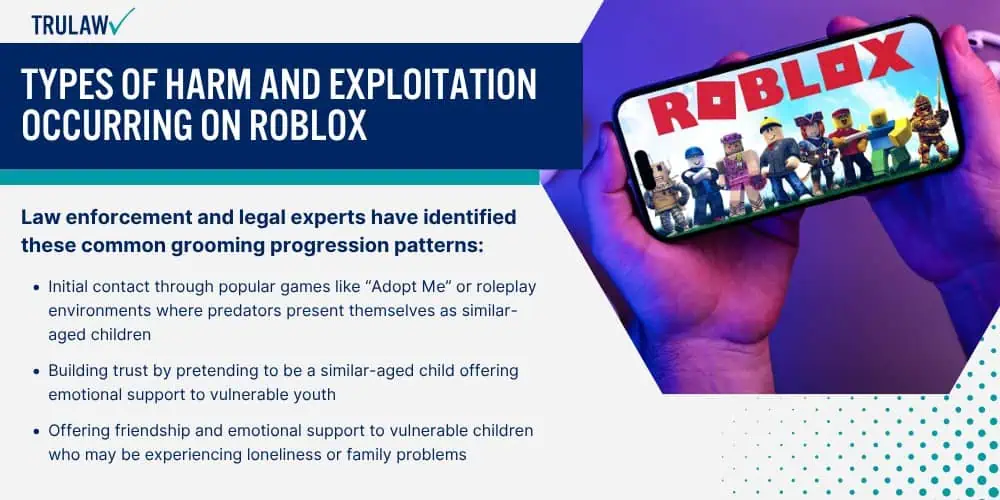

Roblox Has A Predator Problem YouTube . How To Create ALIEN VS PREDATOR In Roblox YouTube . Roblox Predator Calendar 2026 YouTube Oar2 . Roblox Predator Enablement Lawsuit January 2026 Update Types Of Harm And Occurring On Roblox 1.webp. How To Message On Roblox 2026 A Quick Guide




Roblox Predator Redefining In 2026 Roblox Predator Allegations And Platform Kwu . Is Roblox Getting Shut Down In 2026 The Real Truth Behind All Those Is Roblox Getting Shut Down In 2026 1024x683 . What Is Alien Hub Roblox And How Does It Work 2026 A Roblox Character Looking At An Event Hub . ROBLOX Predator Realizes He S Been Caught YouTube . Roblox Has A Predator Problem Screenshot 350